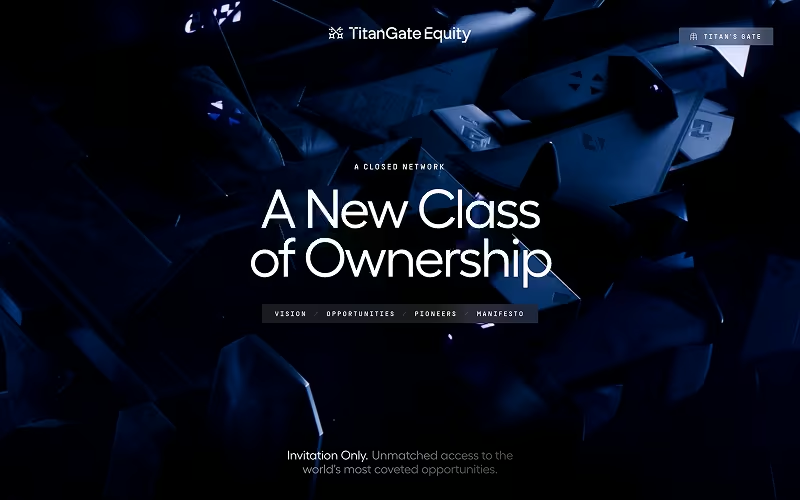
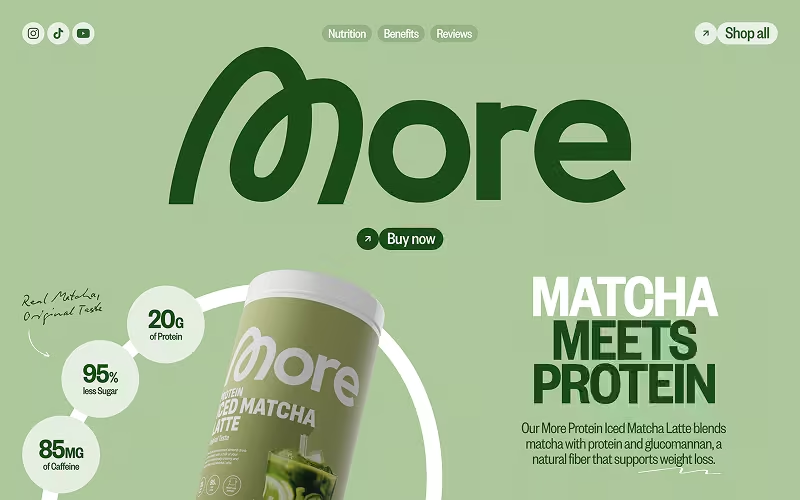
Together with

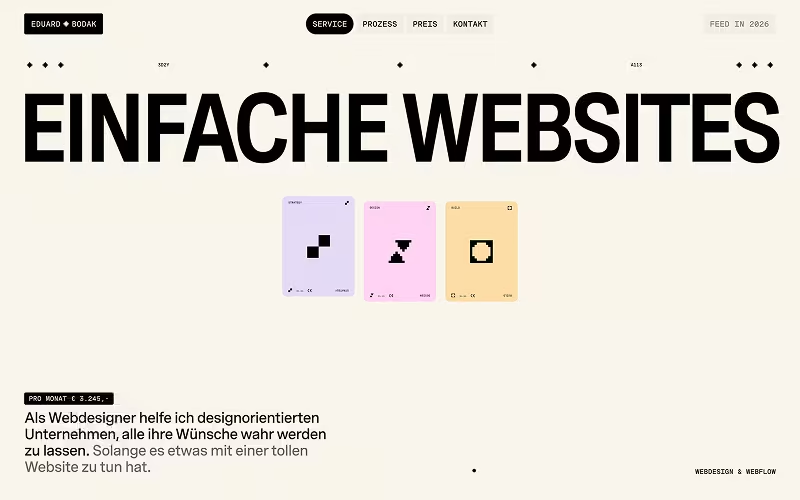
Eduard Bodak
Button Pack
100 buttons with real character. Fully accessible. Ready for Webflow and HTML/CSS/JS.


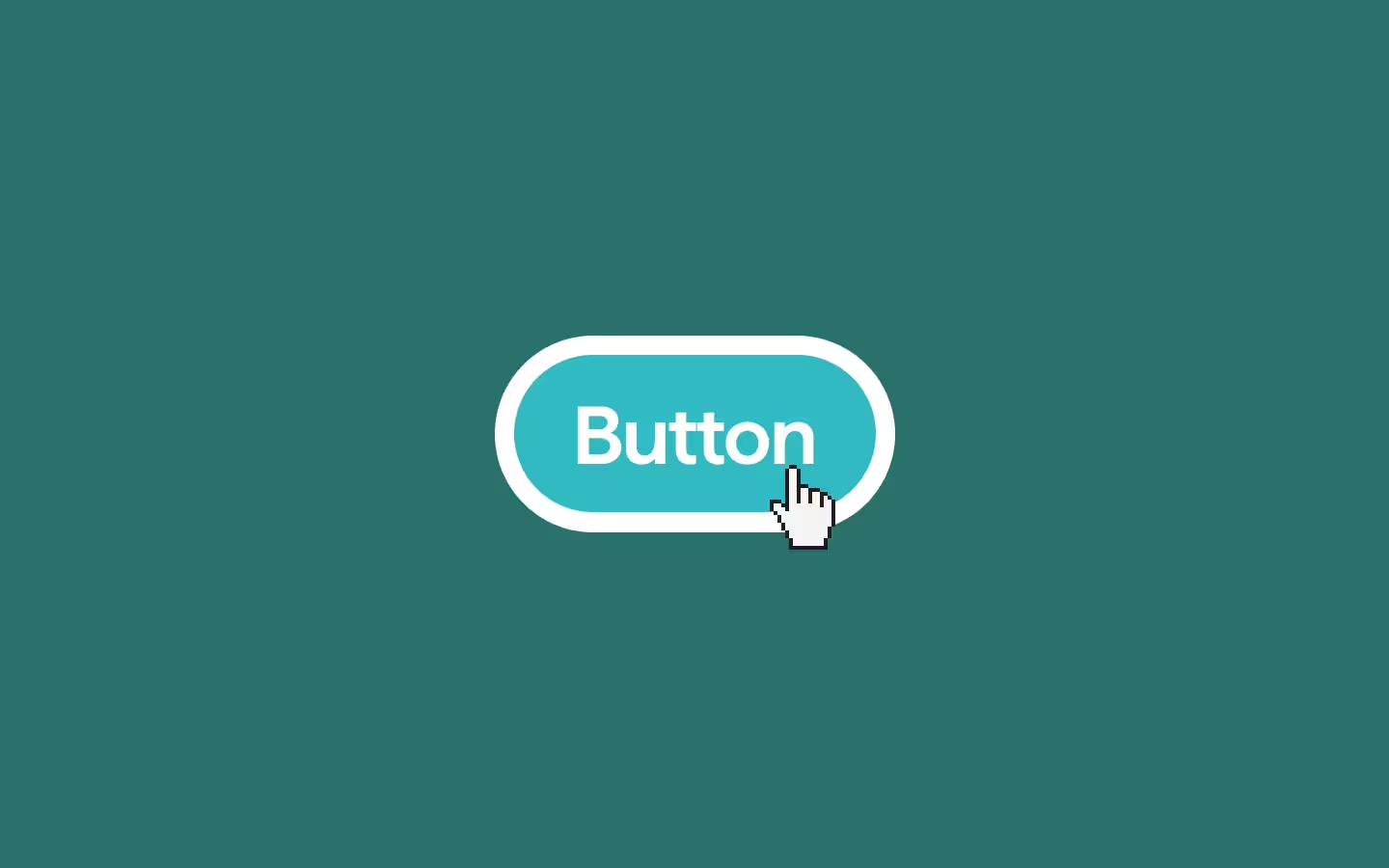
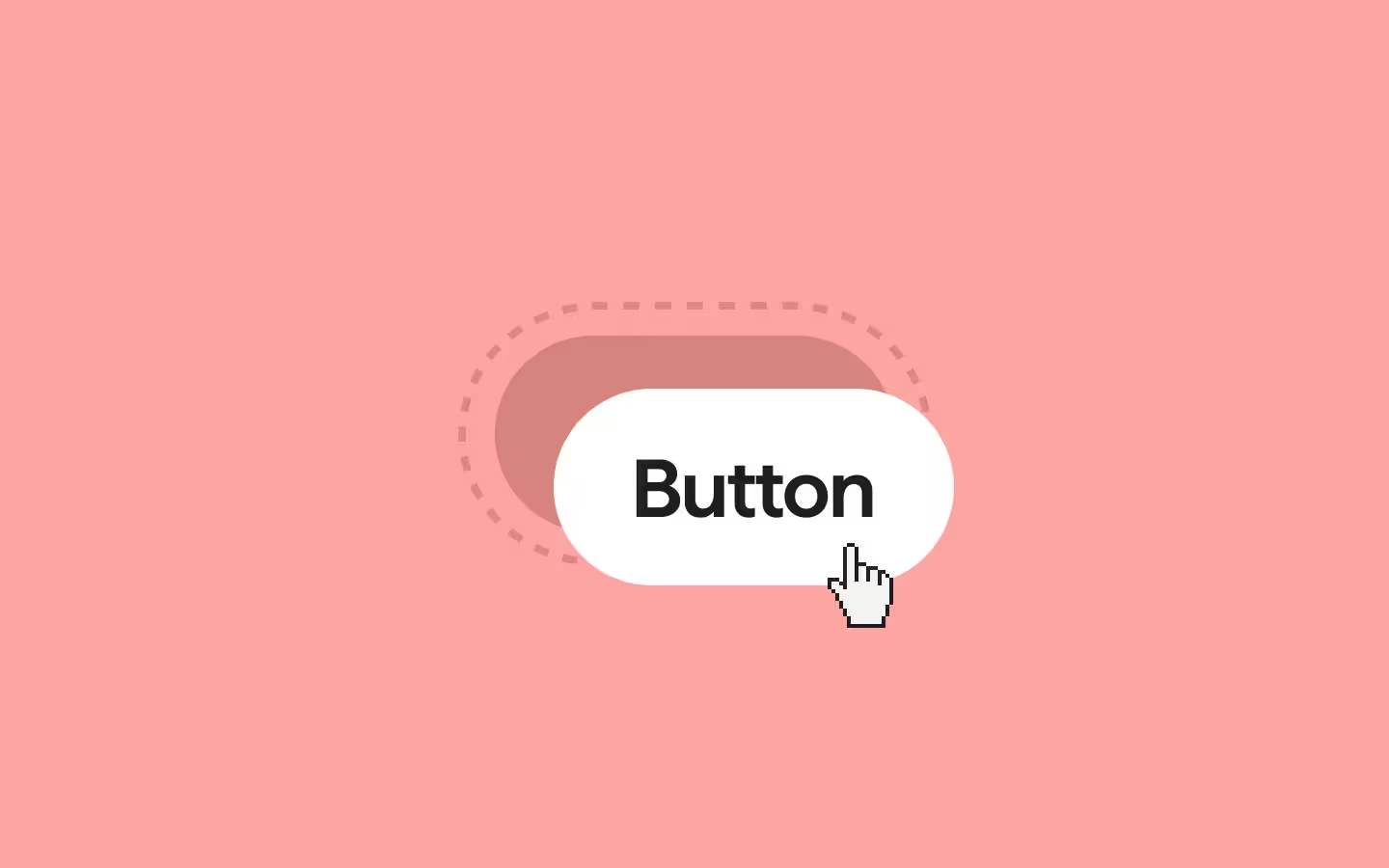

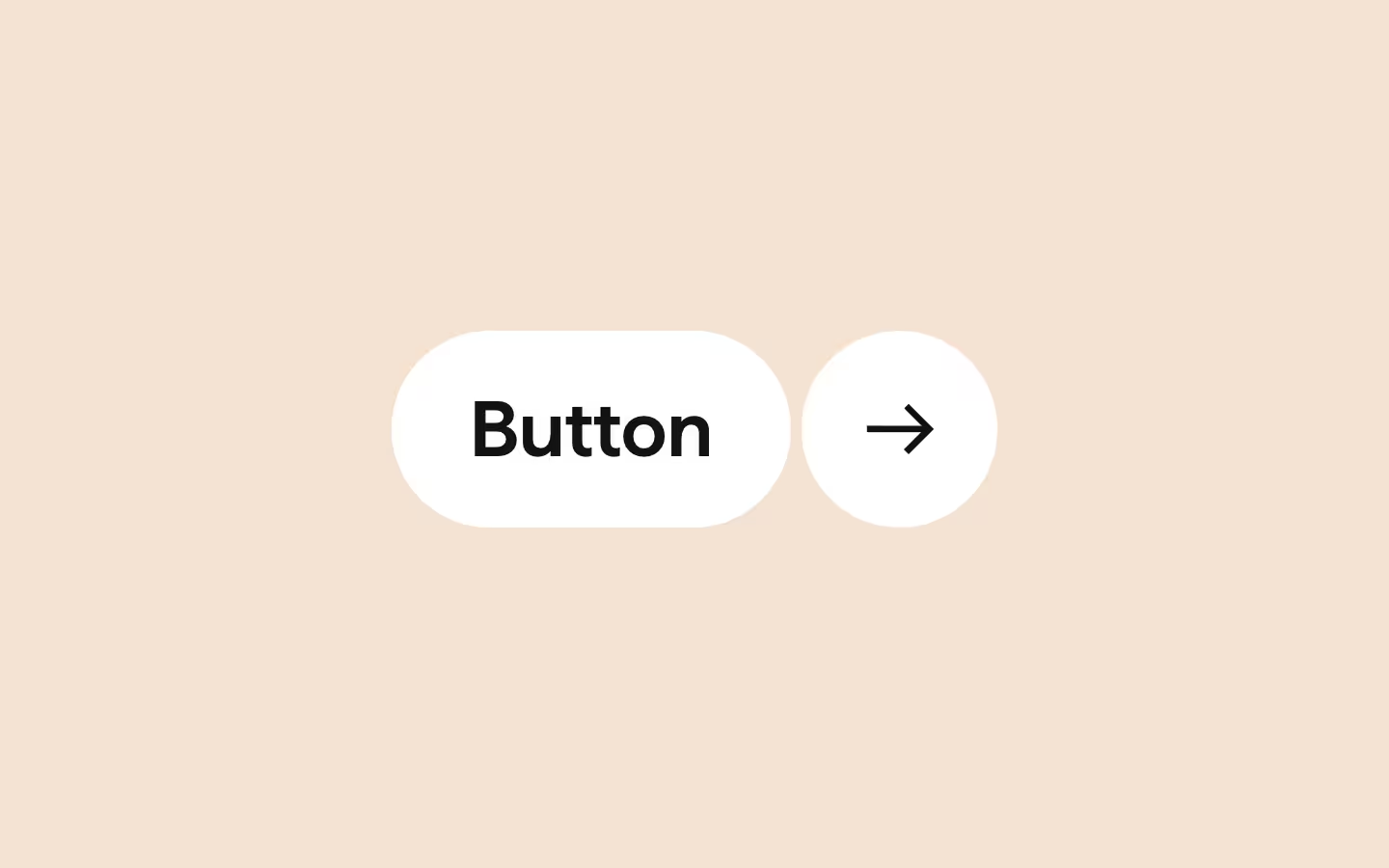

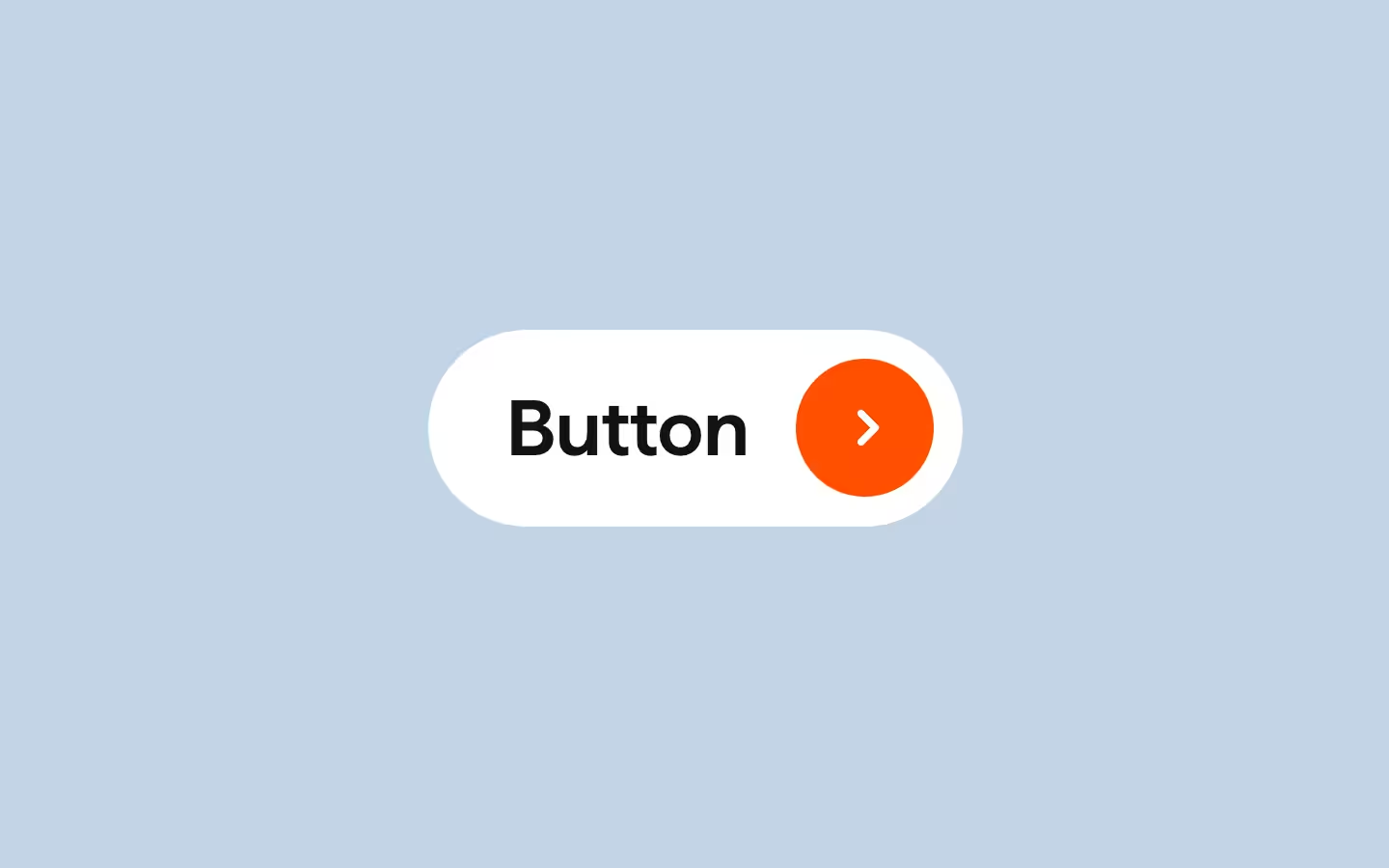
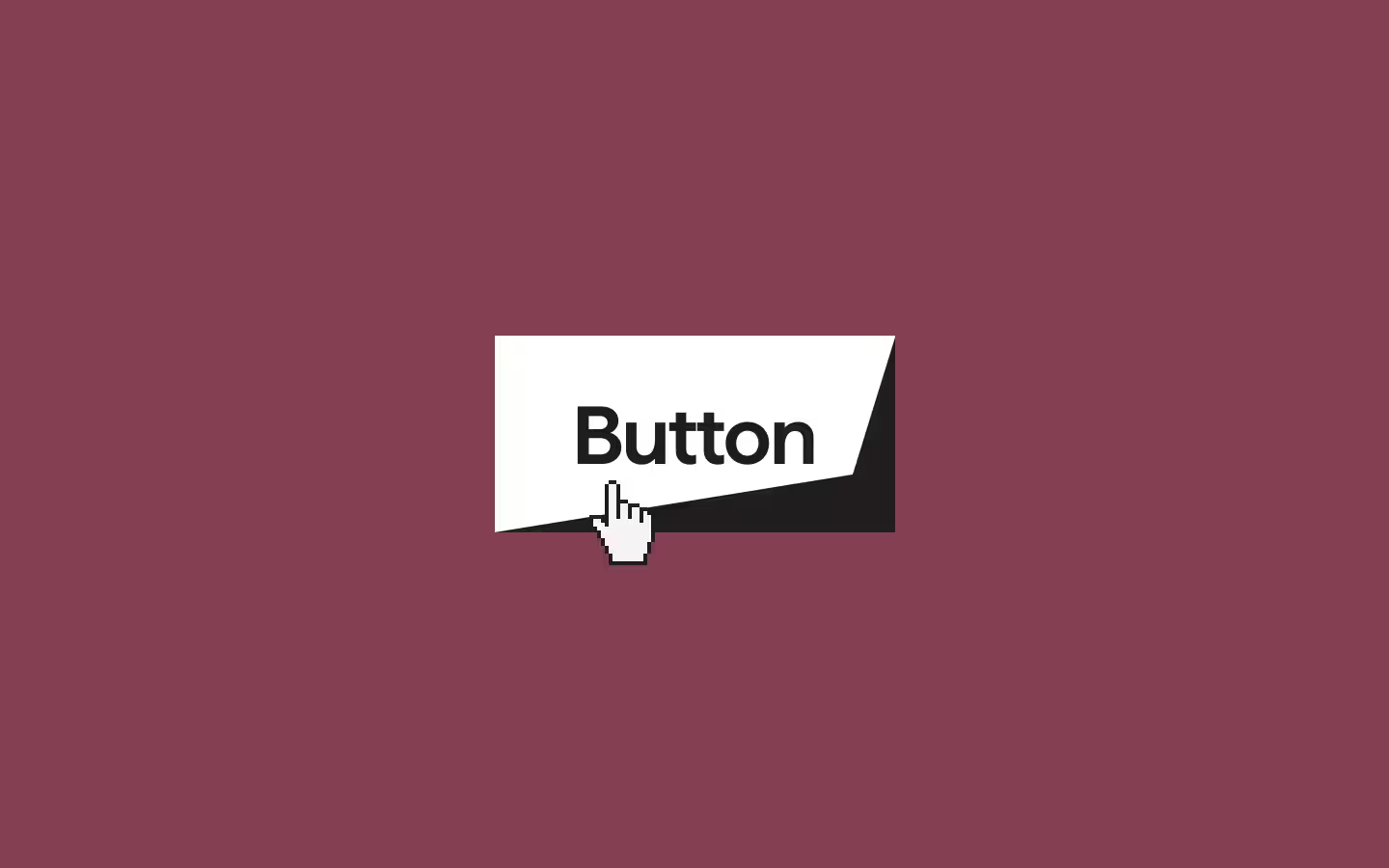
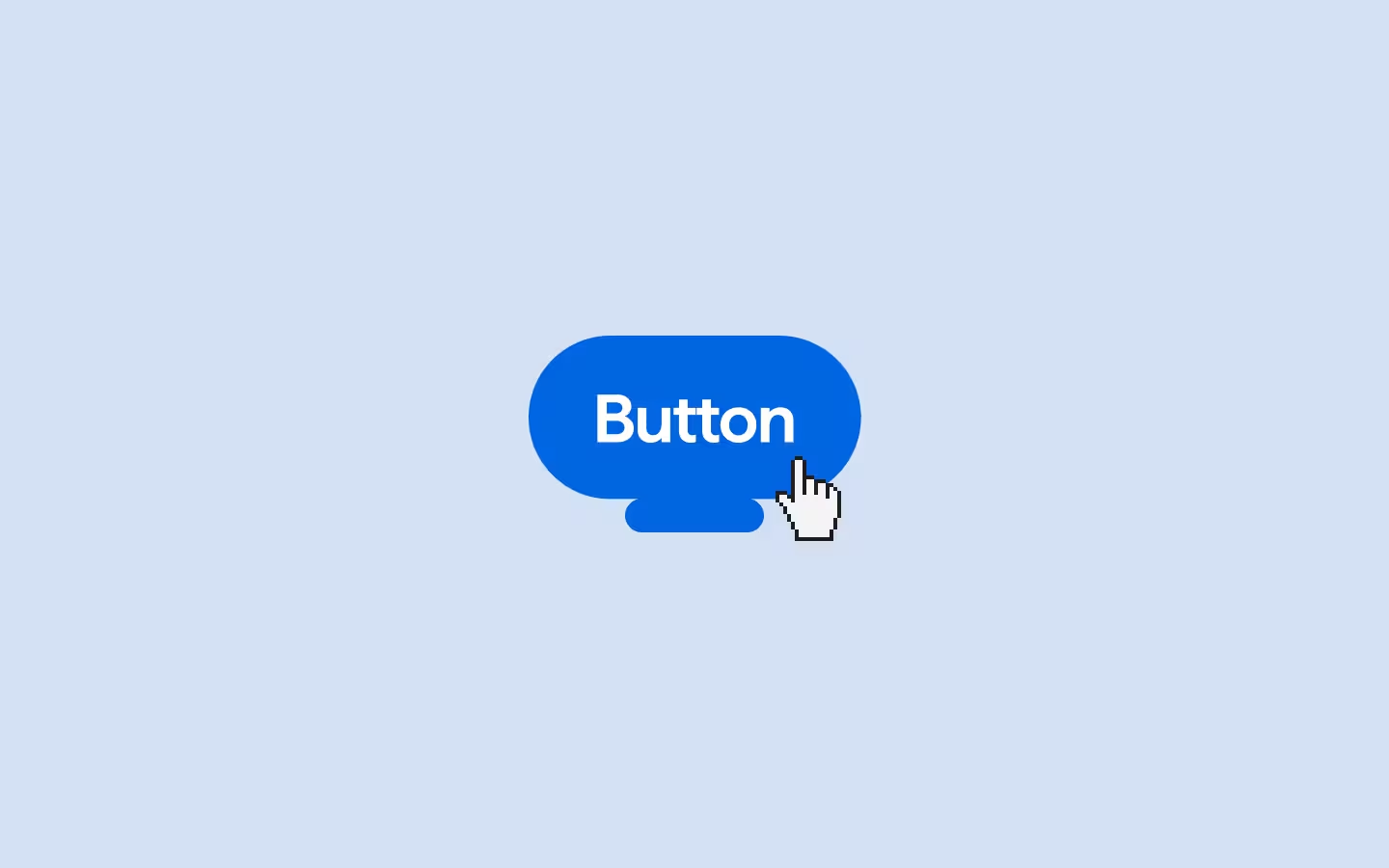
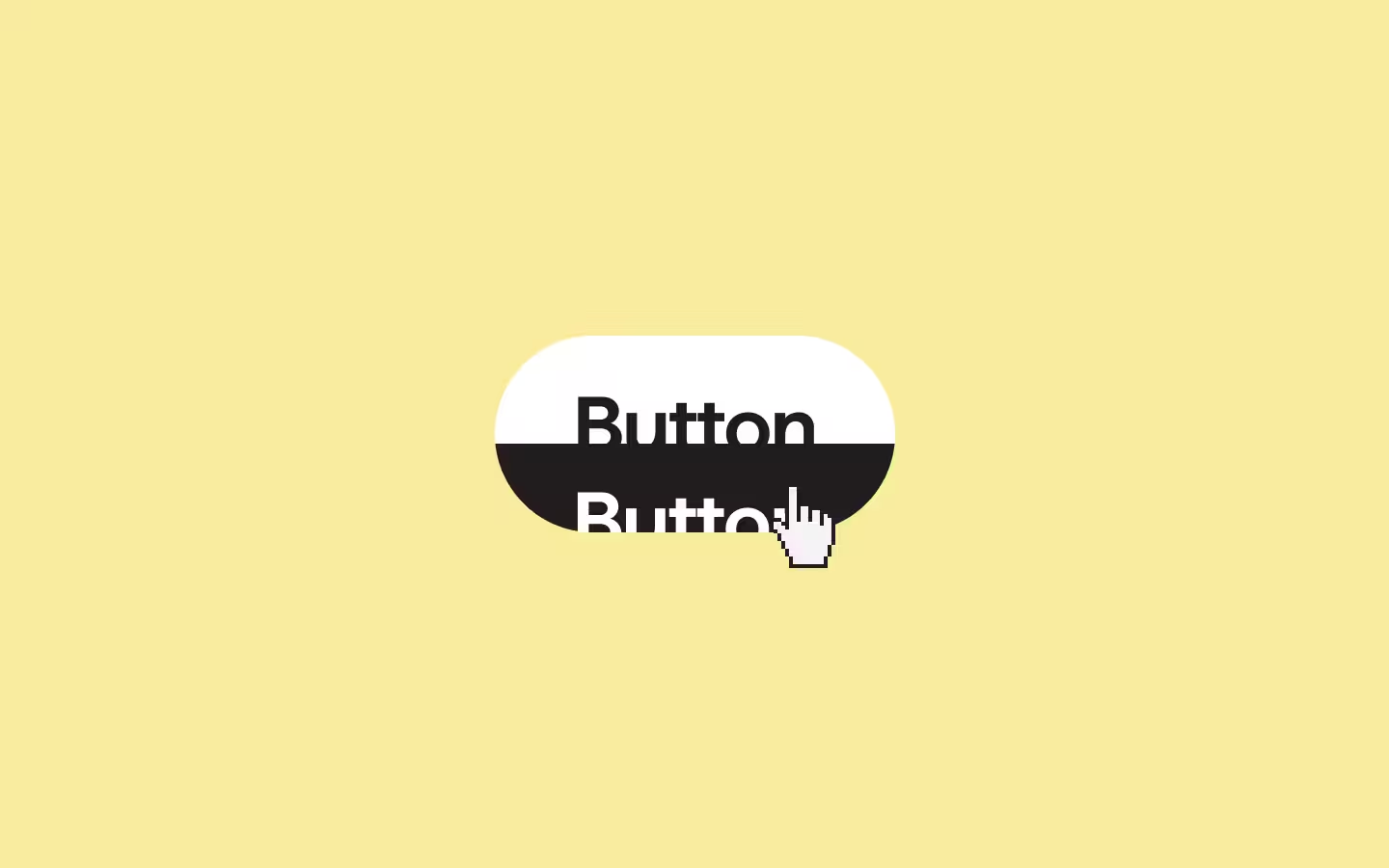

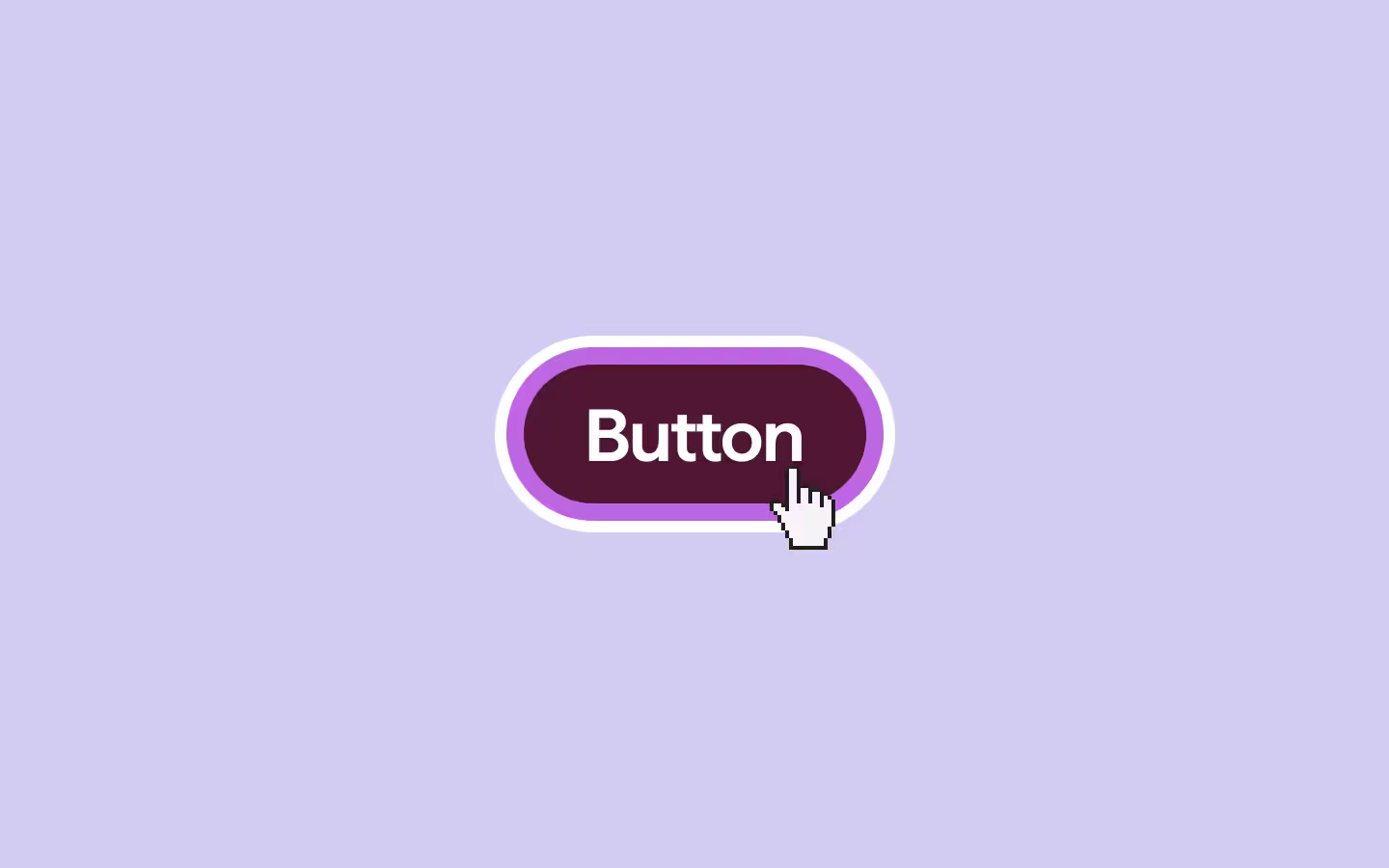


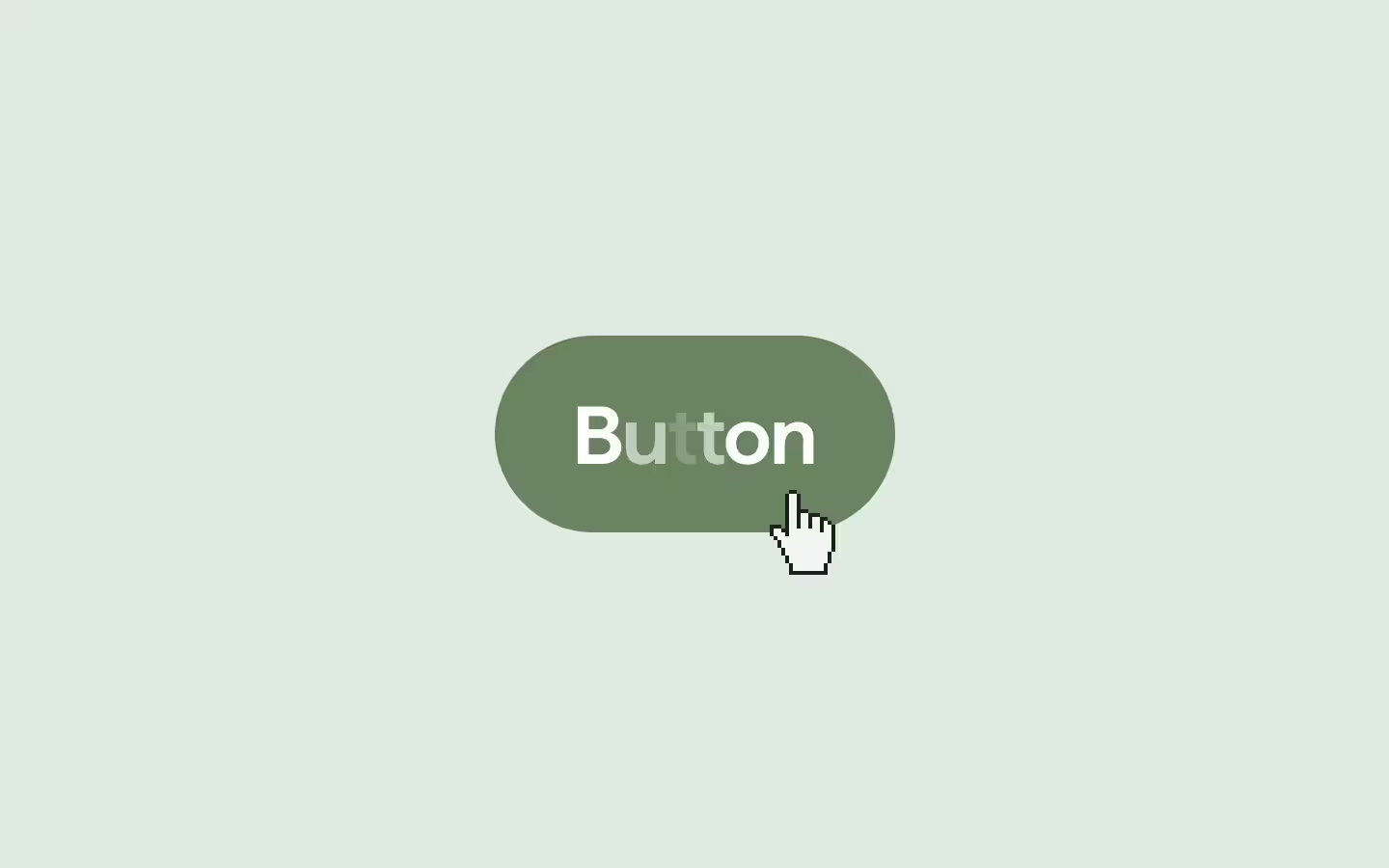

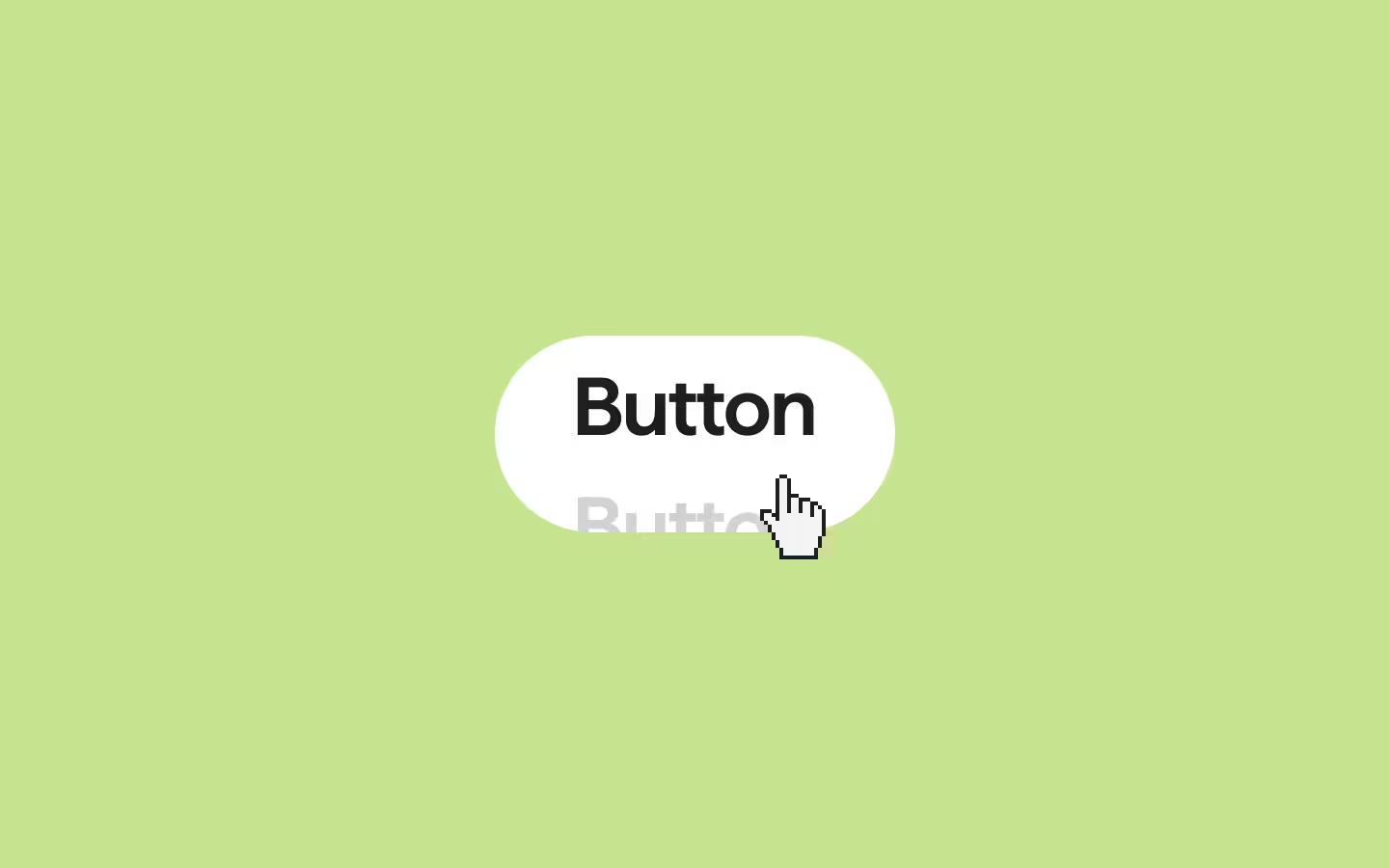

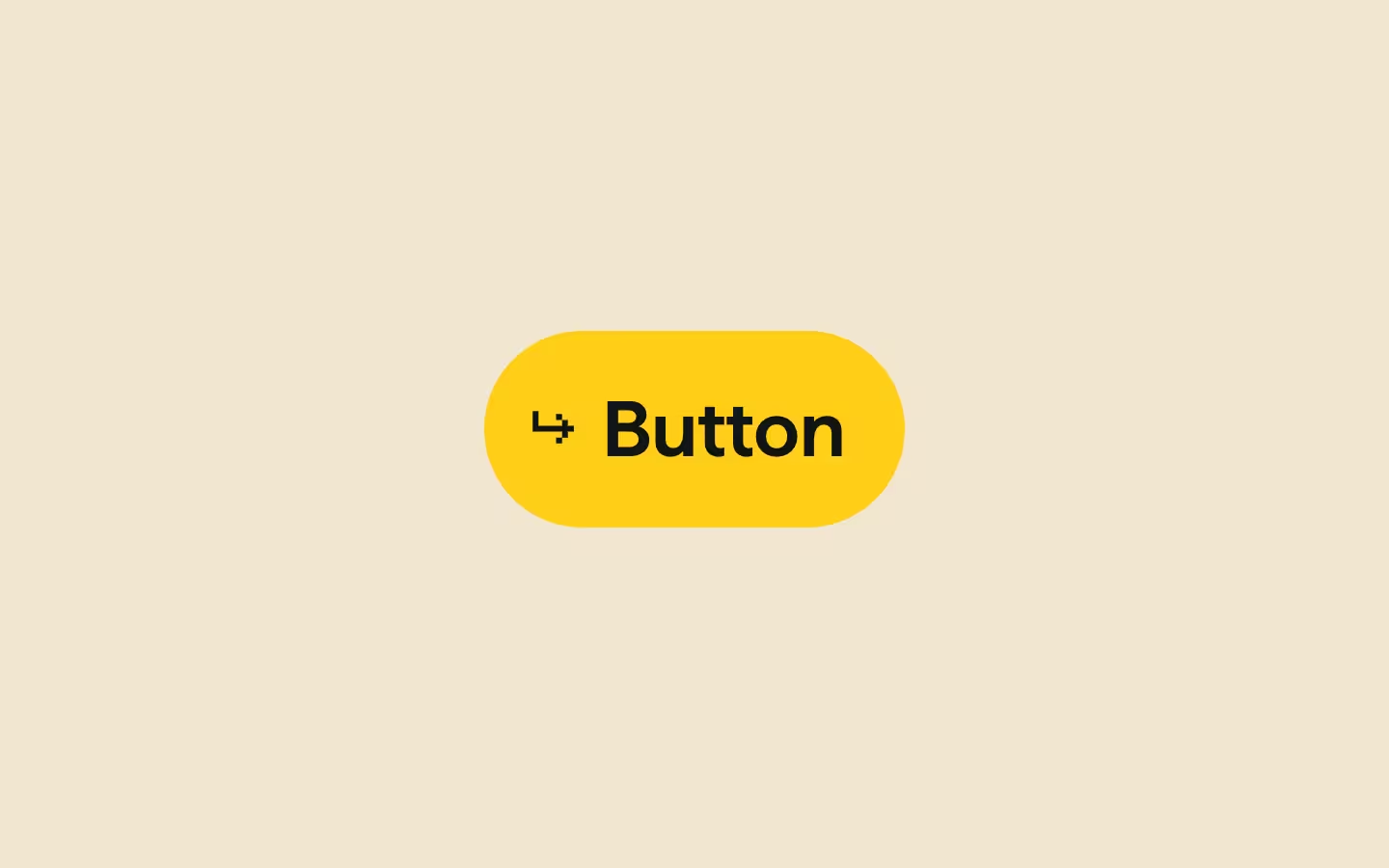
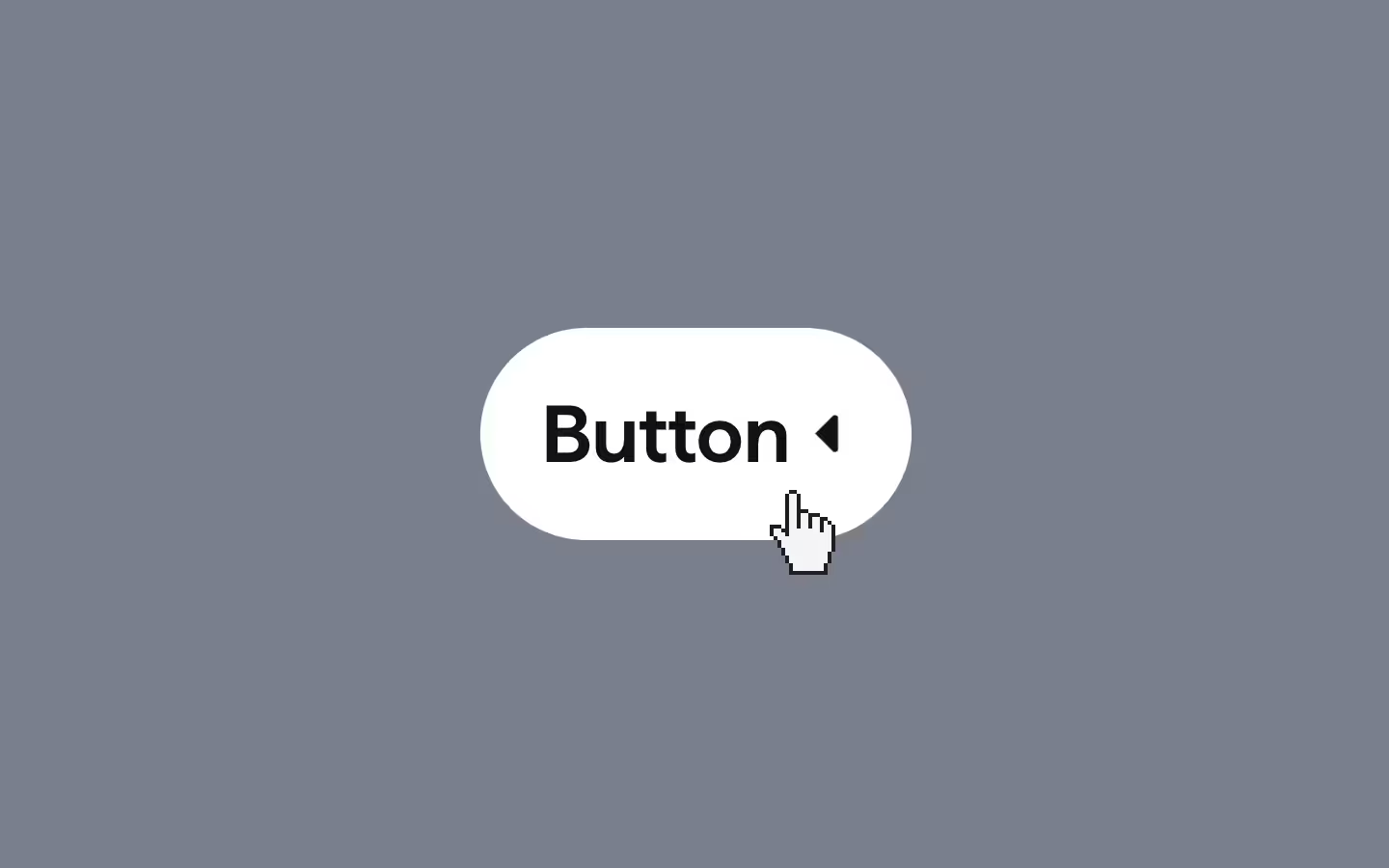
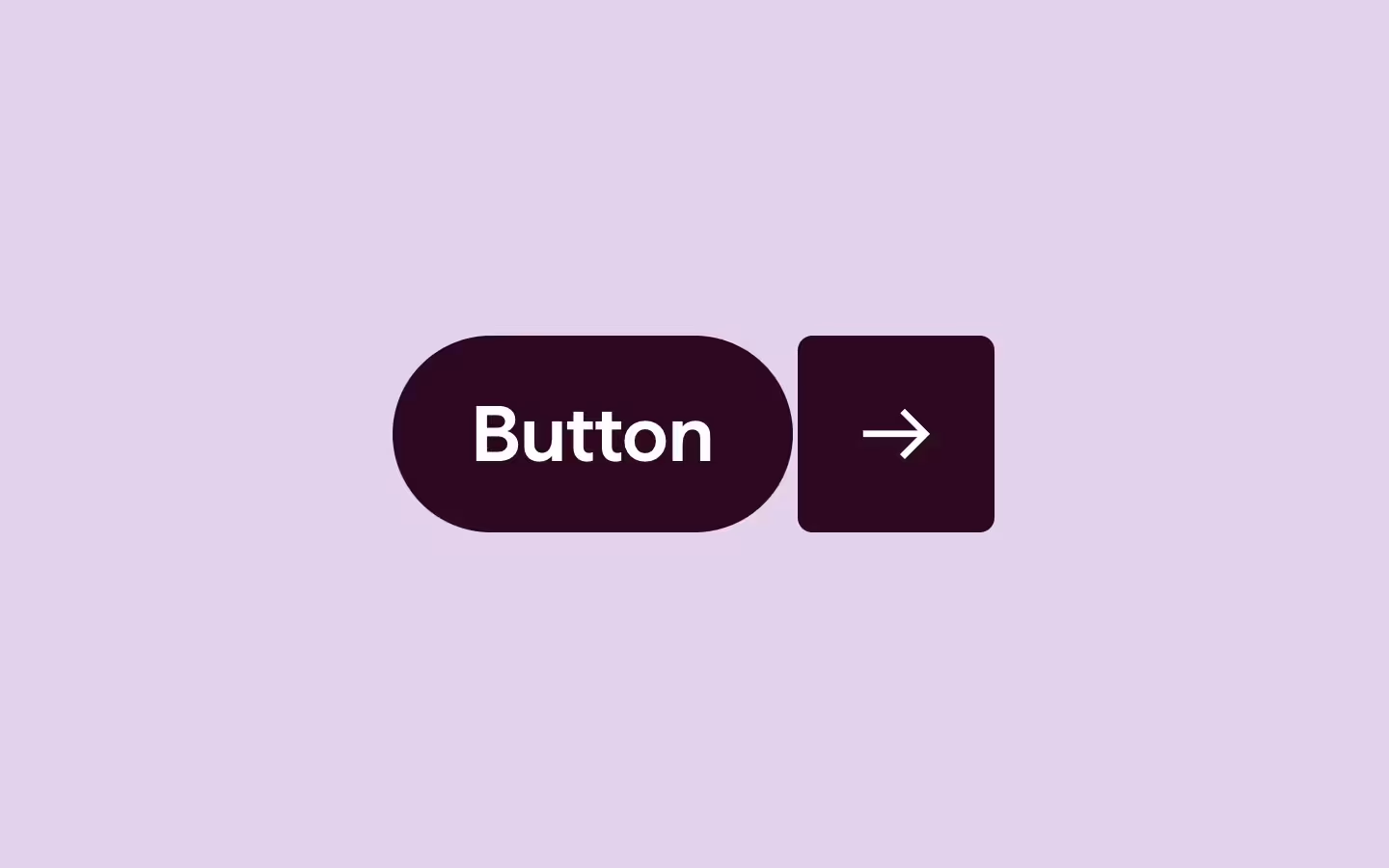


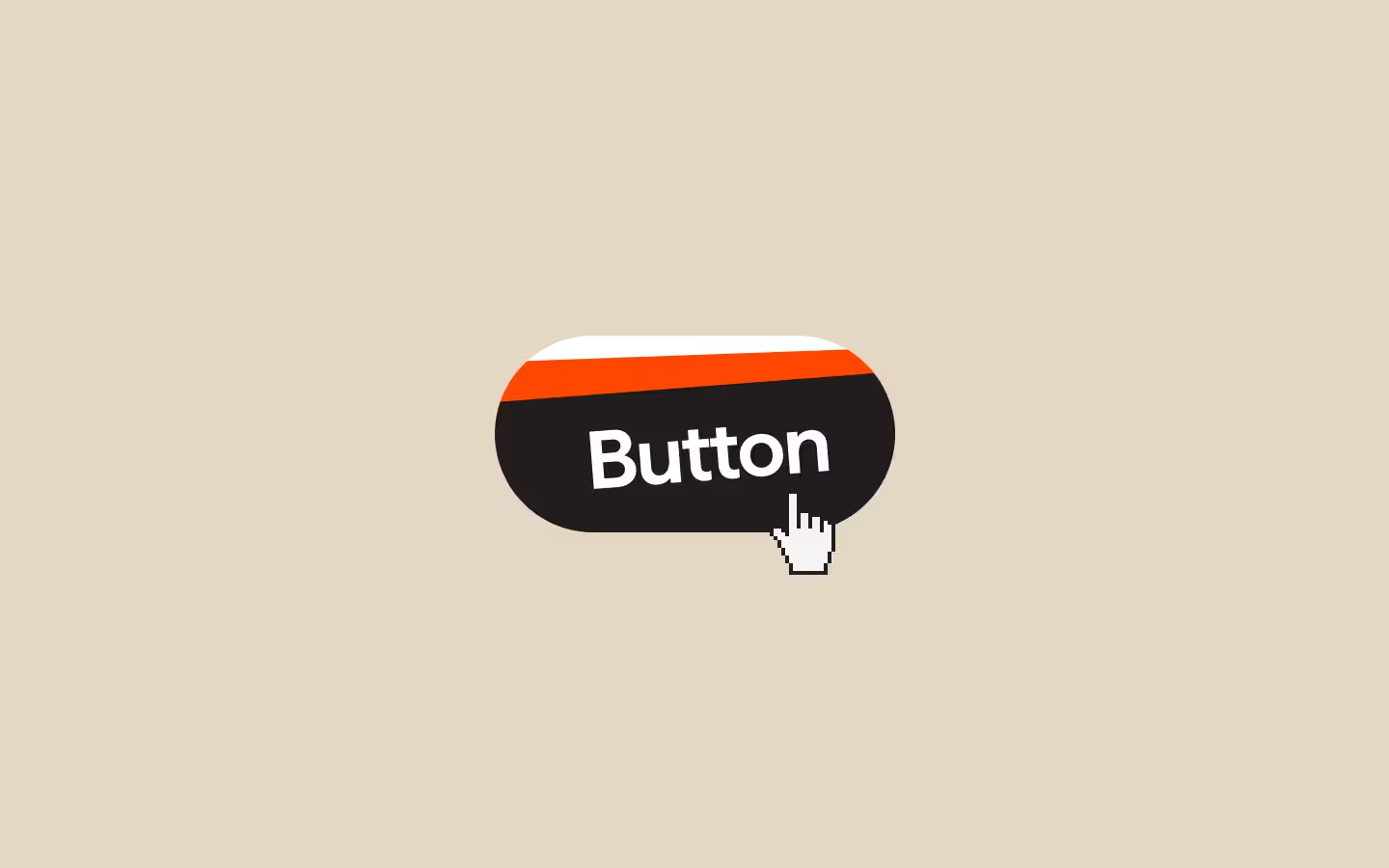
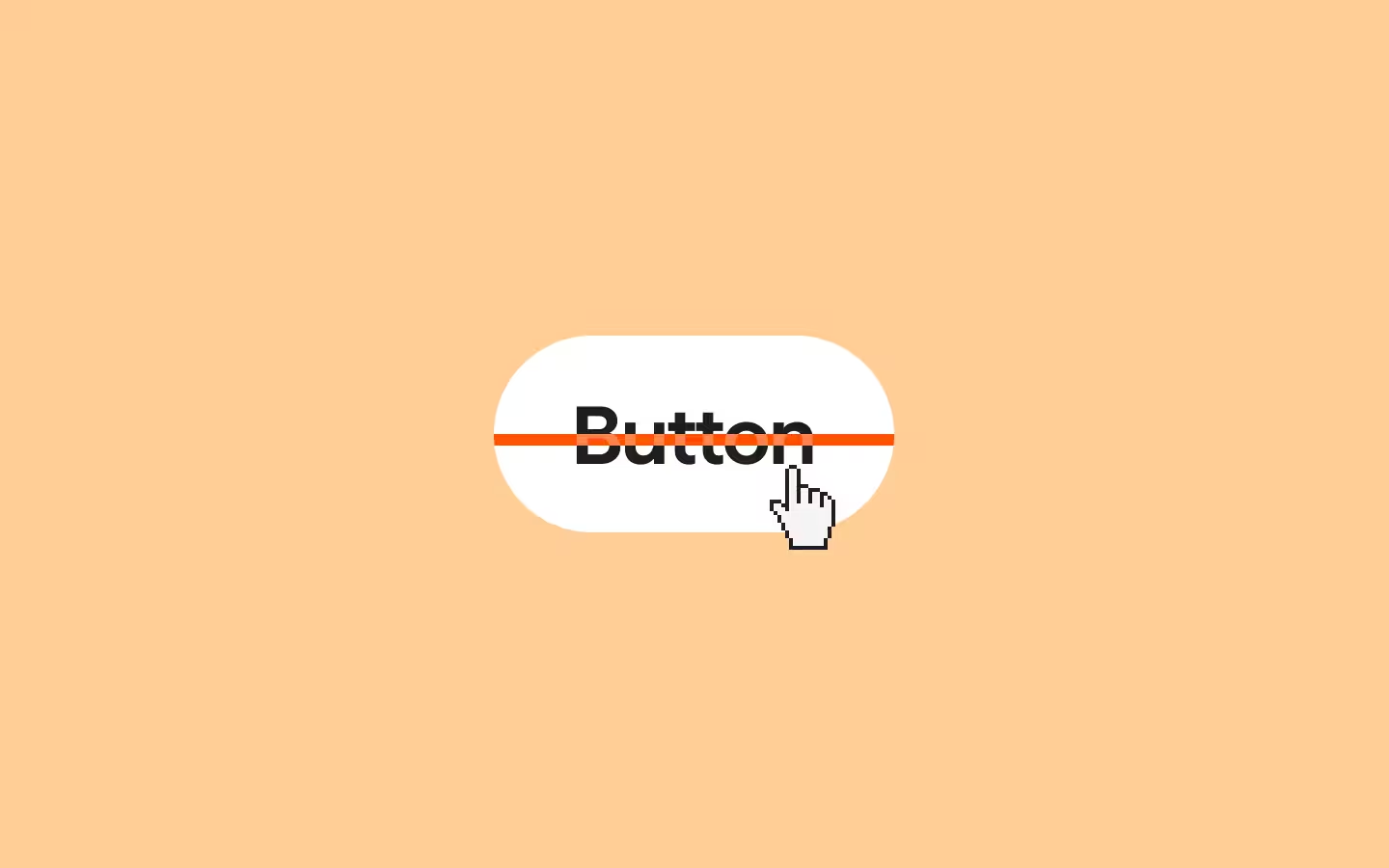

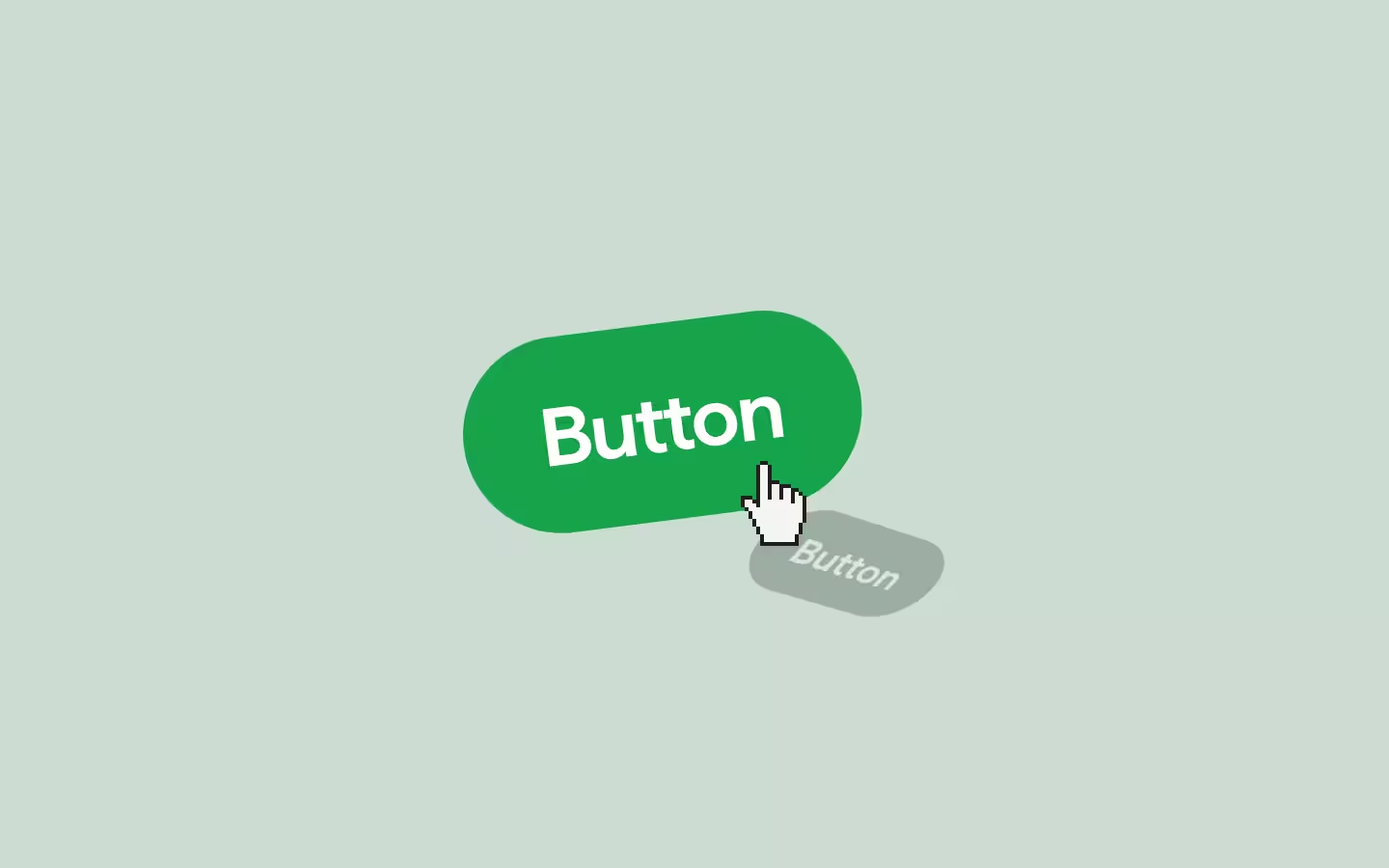
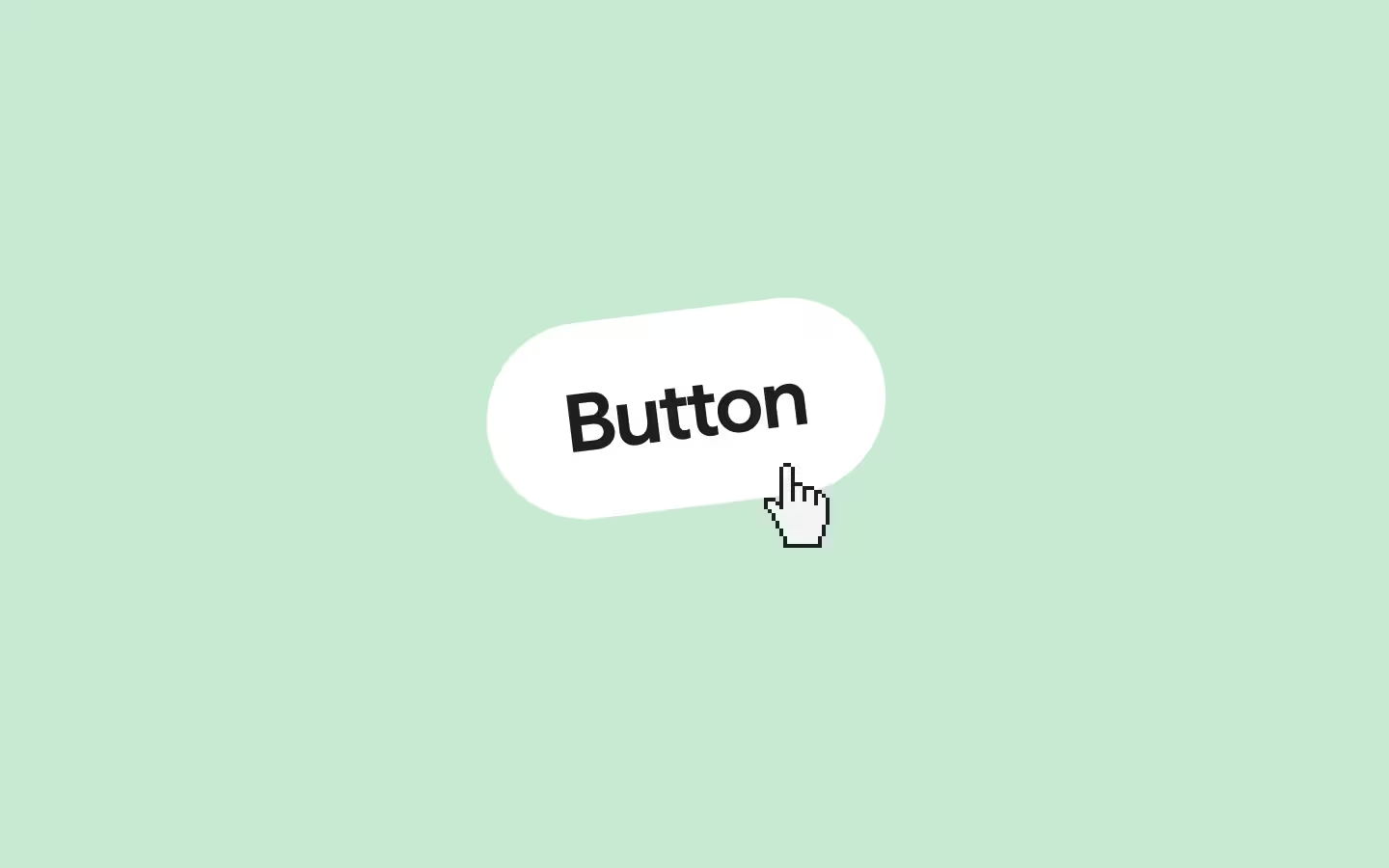
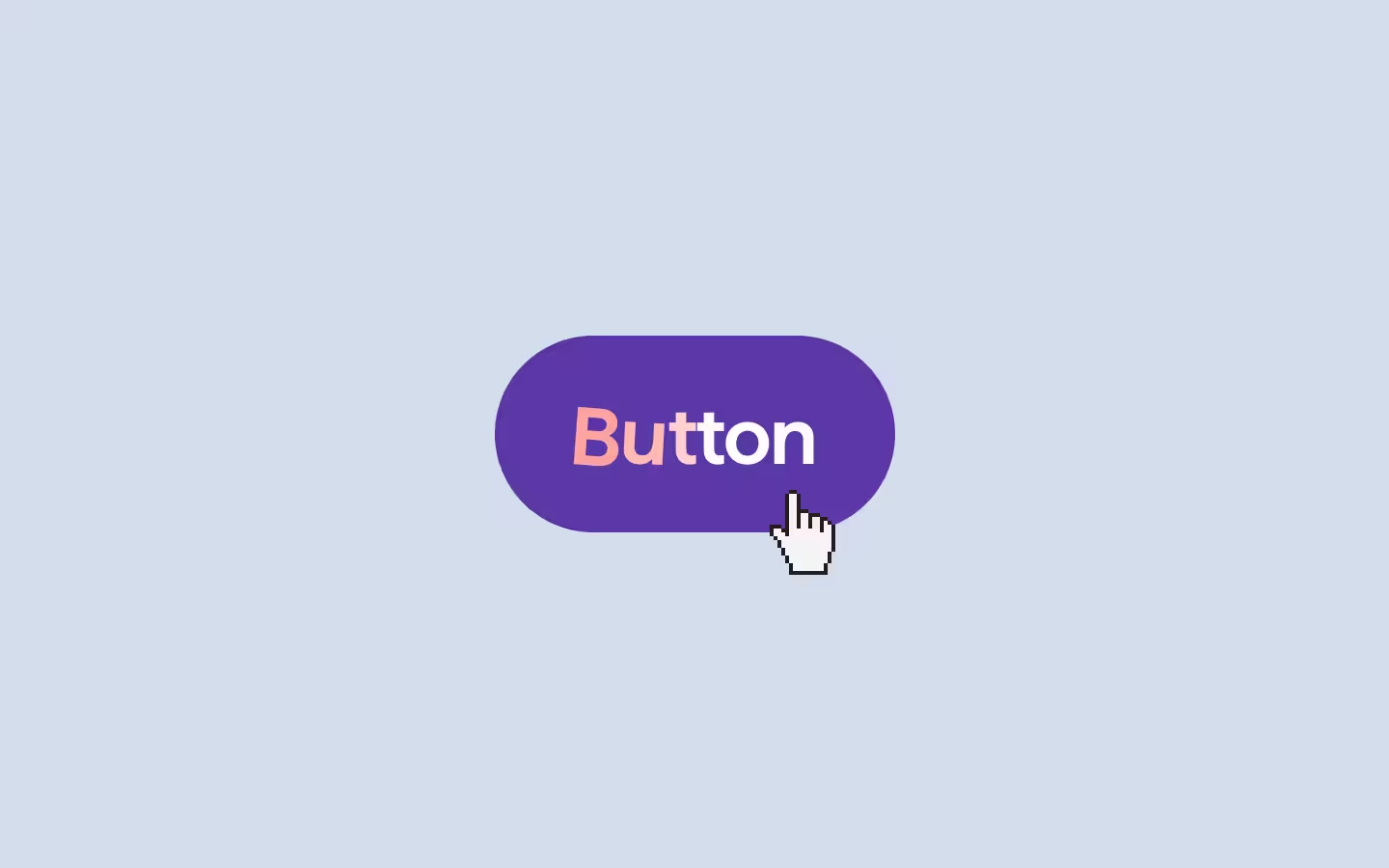


Button 005
Button 007
Button 010
Button 004
Button 030
Button 027
Button 017
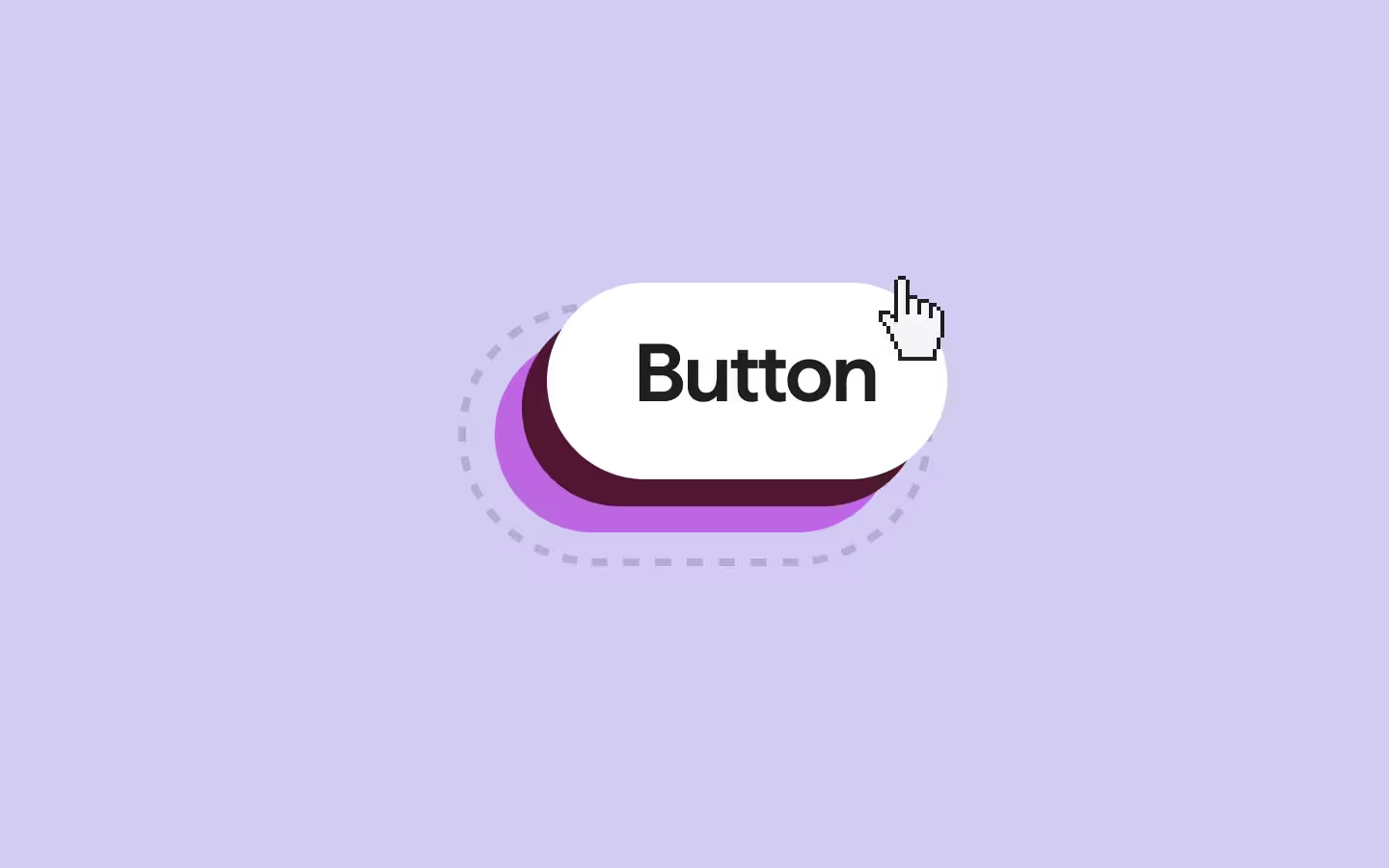
Button 096
Button 014
Made with
great care
Every button is built the way you would build it (if you had one week per button).
Flexible architecture
Every button is controlled by CSS variables; Colors, padding, radius, easing, focus insets. Adjust them in seconds and the whole button adapts. They ship opinionated, but they'll never fight your design system.
Accessible by default
Semantic HTML elements, clear focus-visible states, proper ARIA labels, and prefers-reduced-motion support.
Crafted interactions
Every hover state, every transition, every easing curve is intentional. These aren't boring CSS defaults with a color swap. The motion layer is what makes them feel like they belong on a site that cares.
Connect
Worldwide







Osmo’s Global
Community
Osmo empowered me to take on any creative challenge

Dang Nguyen
Thanks to Osmo, I’ve won my first major awards and signed clients I once only dreamed of. Their powerful, easy-to-use effects feature cutting-edge code that has expanded my development skills. Joining this community is an easy choice for developers at any level who want to grow and succeed!
This gets the official GSAP stamp of approval.

Cassie Evans
Even if you know GSAP, it can be tricky to apply abstract animation concepts to real-world scenarios. Dennis and Ilja have come to the rescue with this treasure-trove of useful techniques. There’s something for everyone here, grab-and-go or use the code as a jumping off point.
One of a kind platform for any developers out there.

Huy (by Huy)
It's incredible to be able to see and learn how the pros implement their animations. If you love web animations and creative development, this platform this a no brainer. Just sign up already.
The creative developer's cheat code.

Jordan Gilroy
Osmo is a one-stop shop, offering everything from snippets to help you set up your site to advanced animations and interactions that elevate it to the next level. The resources are so easy to implement, and with some imagination, you can adapt them to create something unique.
"Even I" came across a few neat tricks I hadn’t seen before.

Jesper Landberg
Osmo Supply is a gem for clever and well-thought-out code/no-code solutions for animations and components. It’s a resource both beginners and seasoned pros will find incredibly useful. Lama stamp of approval on this one, and I’ll deffo be coming back to it!
The Osmo Vault has been a great partner in speeding up my projects

Victor Work
Osmo Supply has been a great partner in speeding and building up my projects since its release. I have used the vault in countless projects, and it's fantastic to be a part of such an inspiring community. Osmo, it's a must-have.
In collaboration with Eduard Bodak
Meet Eduard!
Eduard is a creative developer dedicated to making websites feel good. His work centers on thoughtful motion, subtle micro-interactions, and a strong commitment to accessibility. He is known for sharing detailed breakdowns of his process online, giving a closer look at the care and craft behind everything he does.
Choose what works for you
All of our Osmo members will have 50 of the buttons unlocked in their Vault by default. They can unlock the remaining 50 for just €50 EUR.
Got questions?
We’ve got answers.
We even answered
without ChatGPT ;)
What’s the price of the Osmo Button Pack?
There are two ways to get the pack. The first option is a one-time payment of €100 EUR to unlock it forever. No subscription needed.
Members already get access to 50 buttons included with their membership. Want the full 100-button pack? You can unlock the remaining 50 buttons for a one-time payment of €50 EUR.
Do I need a subscription to use the Buttons?
No, you do not need a subscription.
The Button Pack is available as a standalone one-time purchase with lifetime access. Once unlocked, the buttons are yours to use in your projects whenever you want.
Osmo members already get access to 50 buttons included with their membership, but the full 100-button collection can also be unlocked (for €50 EUR) separately, as an add-on.
Do you only support Webflow, or do I also get the HTML/CSS/JS?
You get the full HTML, CSS, and JavaScript for every button. The pack is built to fit naturally into Webflow workflows, but the buttons work anywhere standard front-end code works. Copy, paste, customize, and use them in your own websites, client projects, or frameworks.
Every button is controlled by CSS variables; colors, padding, radius, easing, focus insets. Adjust them in seconds and the whole button adapts. We use semantic HTML elements, clear focus-visible states, proper ARIA labels, and prefers-reduced-motion support.
Who created the Osmo Button Pack?
The Button Pack was created together with Eduard Bodak.
Over the course of 6 months, we designed and refined 100 unique buttons with a strong focus on motion, interaction, accessibility, and the tiny details that make a button feel good to use.
In a world where everything starts looking the same, we wanted to create a collection that feels crafted. Every hover state, easing curve, transition, and interaction was intentionally designed instead of relying on generic defaults.
Are the buttons built with accessibility in mind?
Every button uses semantic HTML elements, proper focus-visible states, keyboard-friendly interactions, and prefers-reduced-motion support. We also use ARIA labels where needed to make sure the components work well for everyone.
We worried about the accessibility details, so you can focus on the creative part. The goal was simple: create buttons that not only look good, but are actually ready to ship in real-world projects.
How do I access the buttons after purchase?
Once you purchase the Button Pack, the buttons are instantly unlocked inside your Osmo Vault. From there, you can browse through the collection, preview the interactions, copy the code, and customize the buttons directly for your own projects.
Who is Osmo made for?
Osmo is made for designers and developers who care about detail, the ones who love smooth interactions, creative layouts, and sites that stand out.
It’s built for creative web developers who want to enhance their skills, streamline their workflow, and create award-worthy projects. Whether you’re freelancing, part of an agency, or working on personal projects, Osmo has something for you.
Are you Webflow exclusive, or do you give the HTML/CSS as well?
We’re not Webflow exclusive. Every resource in Osmo comes with full HTML/CSS & JS documentation, so you can easily adapt it to your workflow. Osmo is built for creative developers, whether you use Webflow, write code from scratch, or work somewhere in between.
Who is behind Osmo?
Osmo was created by Dennis Snellenberg and Ilja van Eck.
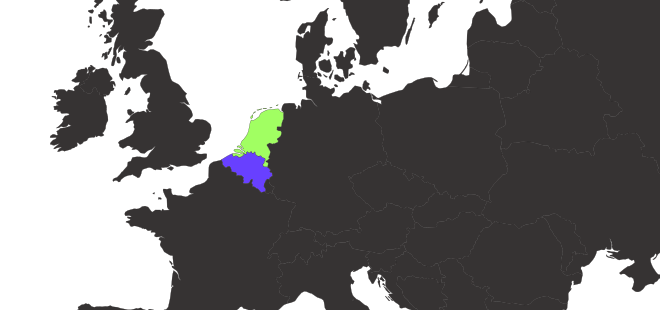
Based in the Netherlands and Belgium, we’ve combined our experience from years of building high-end websites and over 35 Awwwards “Site of the Day” wins into a platform that helps others create interactive, animated, one-of-a-kind projects.
How often do you add new content?
We update Osmo very regularly. You can always check our Collection page to see everything we’ve added recently. New components, resources, and improvements are rolled out consistently to keep things fresh.
Can I suggest a resource for Osmo to create?
Absolutely. We love hearing ideas from our community! That’s why we highly recommend joining our Slack Community. It’s a global space for designers and creative developers, with dedicated channels for feedback, discussions, and submitting new resource ideas.
Is there a free trial or demo version I can explore first?
Yes!
We have a free demo that currently includes 20 resources from the Vault. You can explore them right away and get a feel for how Osmo works. Sign up here to try it out.
Can I still use the resources when I cancel my membership?
Yes. When you cancel, you keep access until the end of your current billing period. After that, your access to the Osmo Vault and Dashboard ends.
Resources that were legitimately implemented in personal or client projects during your active membership may continue to be used in those projects. You may not download or store used and unused Resources outside the Osmo Vault for future use, redistribution, or resale.
Do you have a team, studio or agency plan?
We do indeed! Head to the pricing page, and use the toggle above the pricing cards to switch to the team plan.
Is there a refund policy for purchases?
Refunds may be available under certain conditions. Because our product is digital and access is provided immediately after purchase, refund eligibility is limited. If you’re unsatisfied or experience an issue with your purchase, please contact us within 7 days of your account creation date, and we’ll work with you to find a resolution. Please note that this 7-day refund window applies only to the initial account creation period and does not reset with renewals or subsequent billing periods.
Can I change my plan later?
Yes, you can switch between quarterly and yearly billing options at any time through your account settings in the dashboard.
If you want to switch to a team account, please email us or reach out in Slack.
How can I contact support if I have an issue?
Email us or reach out in Slack. We’re active and try to help quickly, and the community is great for troubleshooting too. If you run into a bug, there's usually lots of people ready to help out.
Can I share my Osmo account with my co-worker or friend?
No, not unless you’re on a team account. Regular Osmo accounts are single-user.
If we suspect account sharing or other misuse, we reserve the right to temporarily disable access until the situation is cleared up.