




















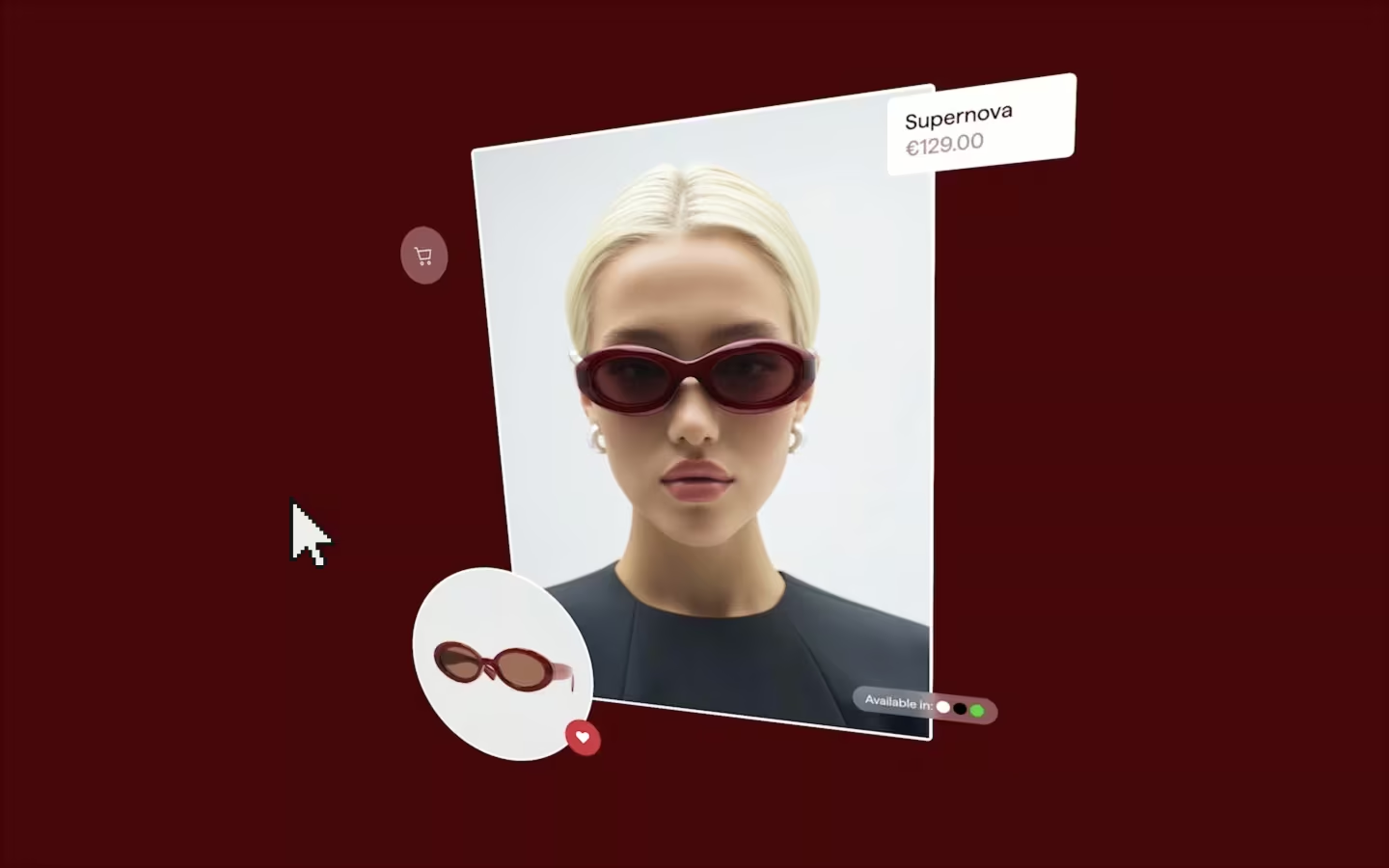

















































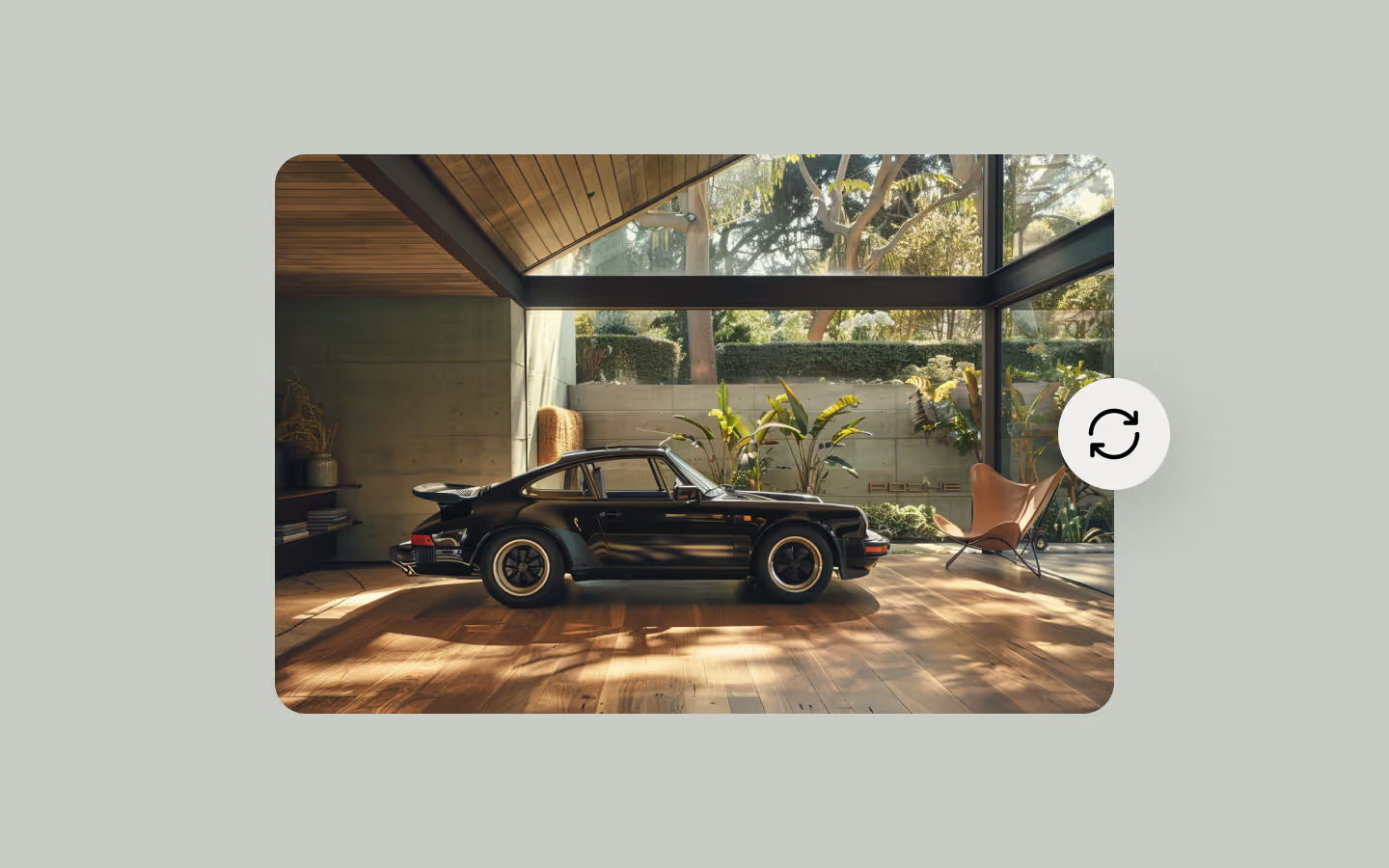


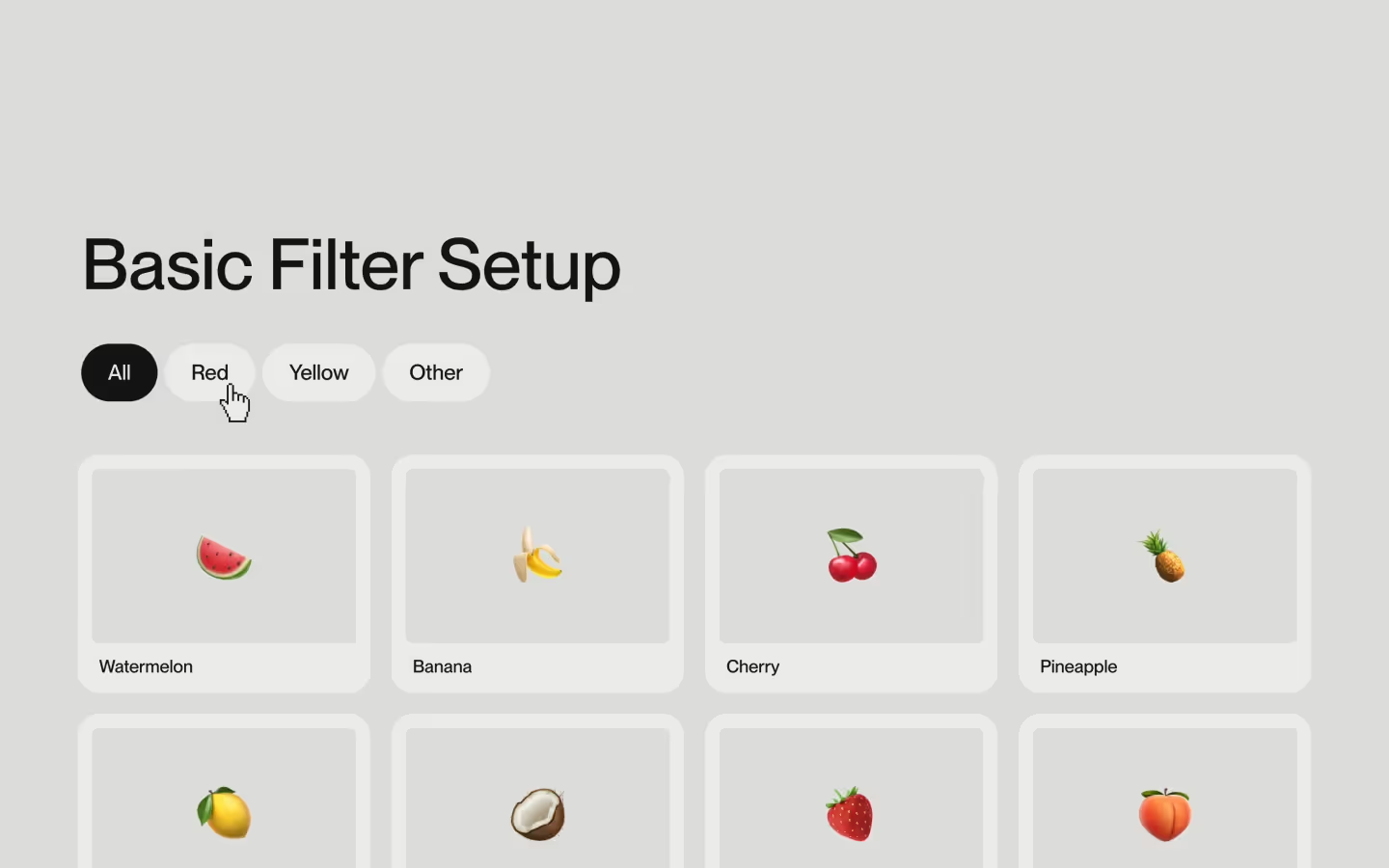





















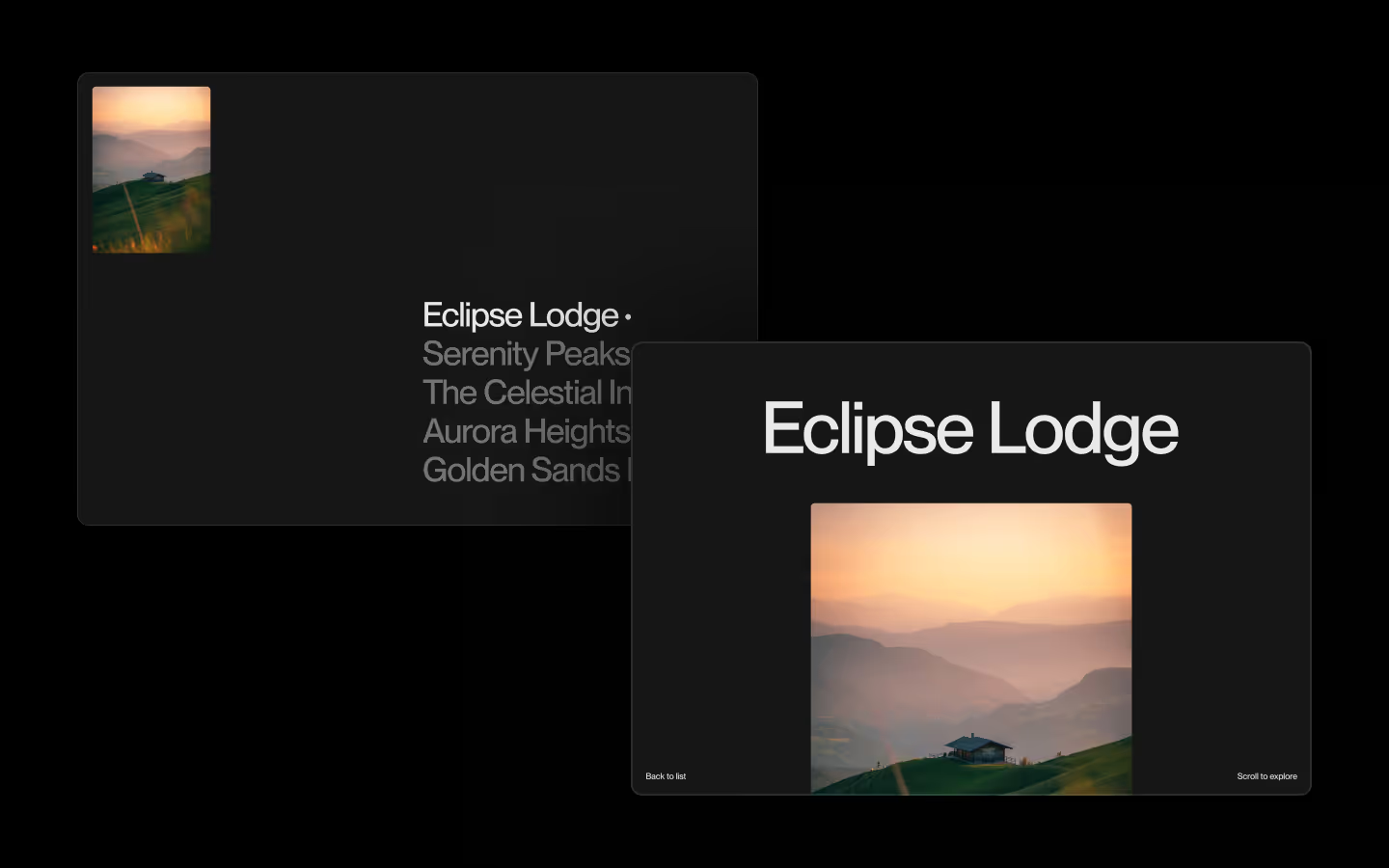














Cross Fade Page Transition

Documentation
Webflow
Code
This resource is part of the Page Transition Course
Learn about Barba.js
We recorded a full course to guide you through the world of Barba.js. On top of that, we built a boilerplate that this resource is based on. In the course, we’ll teach you exactly how it all works.
Setup: External Scripts
External Scripts in Webflow
Make sure to always put the External Scripts before the Javascript step of the resource.
In this video you learn where to put these in your Webflow project.
HTML
<!-- CSS -->
<link rel="stylesheet" href="https://unpkg.com/lenis@1.3.17/dist/lenis.css">

<!-- JS -->
<script src="https://cdn.jsdelivr.net/npm/@barba/core@2.10.3/dist/barba.umd.min.js"></script>
<script src="https://cdn.jsdelivr.net/npm/lenis@1.3.17/dist/lenis.min.js"></script>
<script src="https://cdn.jsdelivr.net/npm/gsap@3.14.1/dist/gsap.min.js"></script>
<script src="https://cdn.jsdelivr.net/npm/gsap@3.14.1/dist/CustomEase.min.js"></script>Step 1: Copy structure to Webflow
Copy structure to Webflow
In the video below we described how you can copy + paste the structure of this resource to your Webflow project.
Copy to Webflow
Webflow structure is not required for this resource.
Step 1: Add HTML
HTML
HTML structure is not required for this resource.
Step 2: Add CSS
CSS
Step 2: Add custom Javascript
Custom Javascript in Webflow
In this video, Ilja gives you some guidance about using JavaScript in Webflow:
Step 2: Add Javascript
Step 3: Add Javascript
Javascript
function runPageOnceAnimation(next) {
  const tl = gsap.timeline();

  tl.call(() => {
    resetPage(next);
  }, null, 0);

  return tl;
}

function runPageLeaveAnimation(current, next) {

  const tl = gsap.timeline({
    onComplete: () => {
      current.remove();
    }
  })

  if (reducedMotion) {
    // Immediate swap behavior if user prefers reduced motion
    return tl.set(current, { autoAlpha: 0 });
  }

  tl.to(current, {
    autoAlpha: 0,
    ease: "power1.in",
    duration: 0.5,
  }, 0);

  return tl;
}

function runPageEnterAnimation(next){
  const tl = gsap.timeline();

  if (reducedMotion) {
    // Immediate swap behavior if user prefers reduced motion
    tl.set(next, { autoAlpha: 1 });
    tl.add("pageReady")
    tl.call(resetPage, [next], "pageReady");
    return new Promise(resolve => tl.call(resolve, null, "pageReady"));
  }

  tl.add("startEnter", 0);

  tl.fromTo(next, {
    autoAlpha: 0,
  }, {
    autoAlpha: 1,
    ease: "power1.inOut",
    duration: 0.75,
  }, "startEnter");

  tl.fromTo(next.querySelector('h1'), {
    yPercent: 25,
    autoAlpha: 0,
  }, {
    yPercent: 0,
    autoAlpha: 1,
    ease: "expo.out",
    duration: 1,
  }, "< 0.3");

  tl.add("pageReady");
  tl.call(resetPage, [next], "pageReady");

  return new Promise(resolve => {
    tl.call(resolve, null, "pageReady");
  });
}
Step 3: Add custom CSS
Step 2: Add custom CSS
Custom CSS in Webflow
Curious about where to put custom CSS in Webflow? Ilja explains it in the below video:
CSS
Resource details
Last updated
January 22, 2026
Category
Page Transitions
Need help?
Join Slack
Original source
 Osmo
OsmoCreator Credits
We always strive to credit creators as accurately as possible. While similar concepts might appear online, we aim to provide proper and respectful attribution.