



















































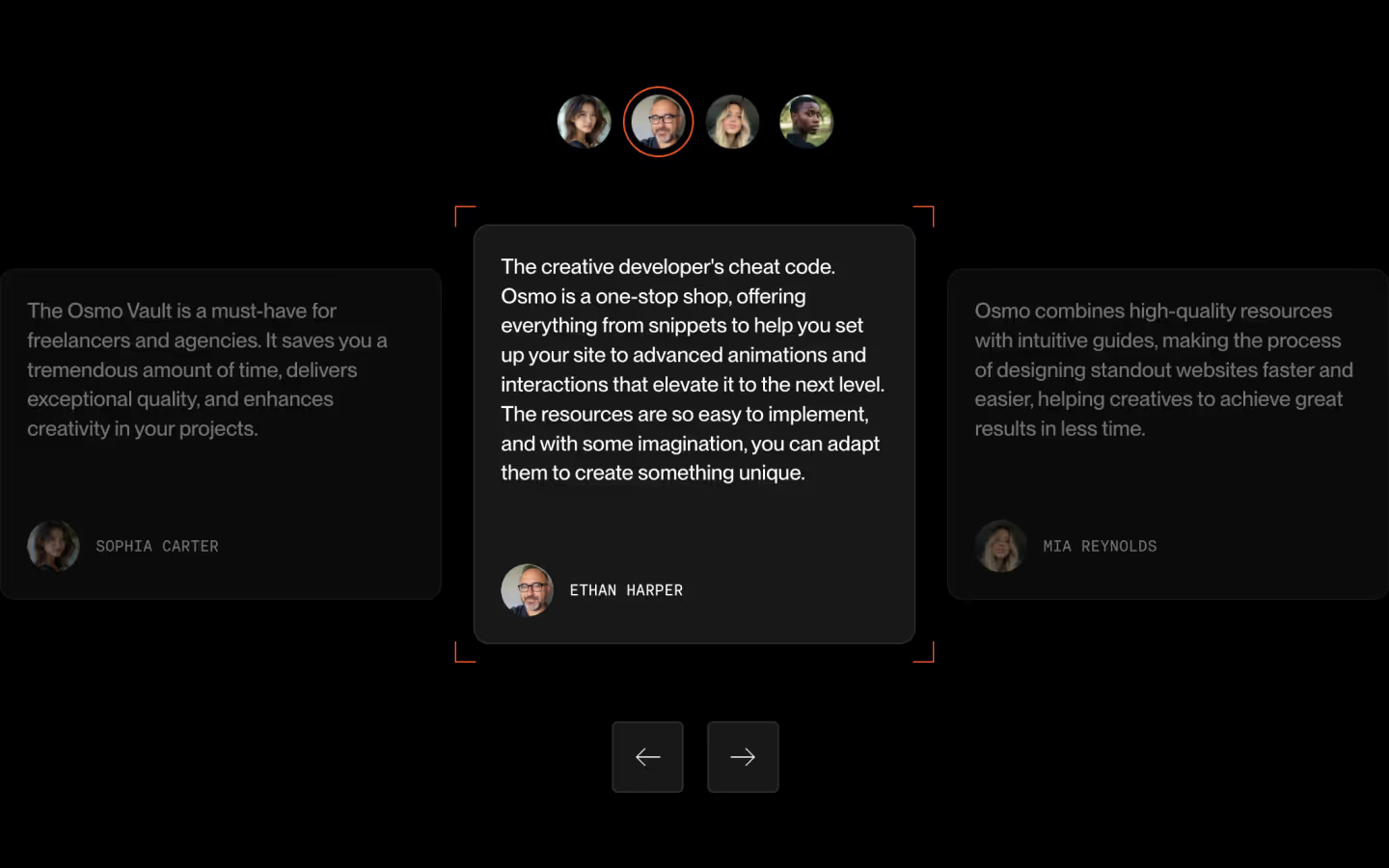
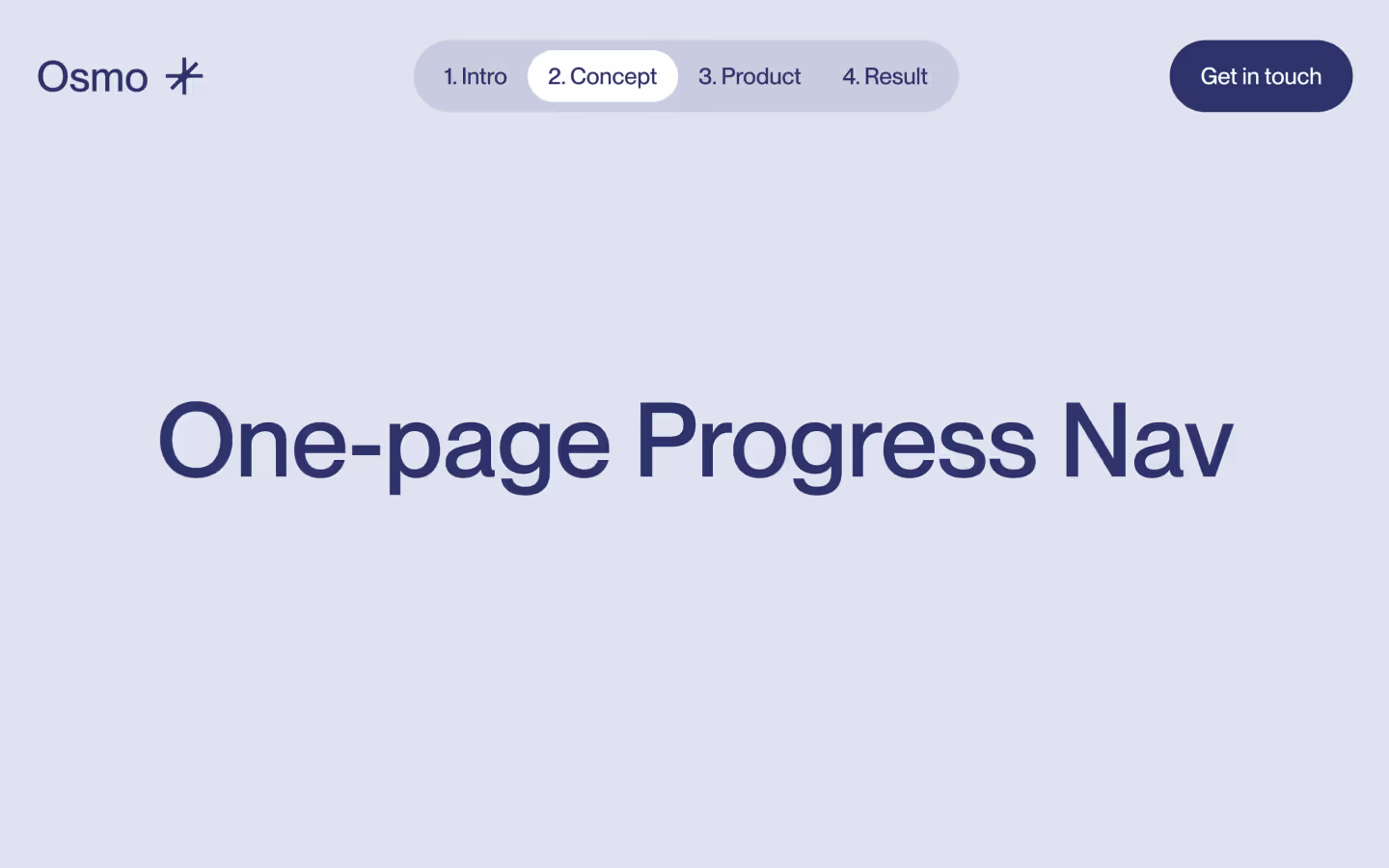































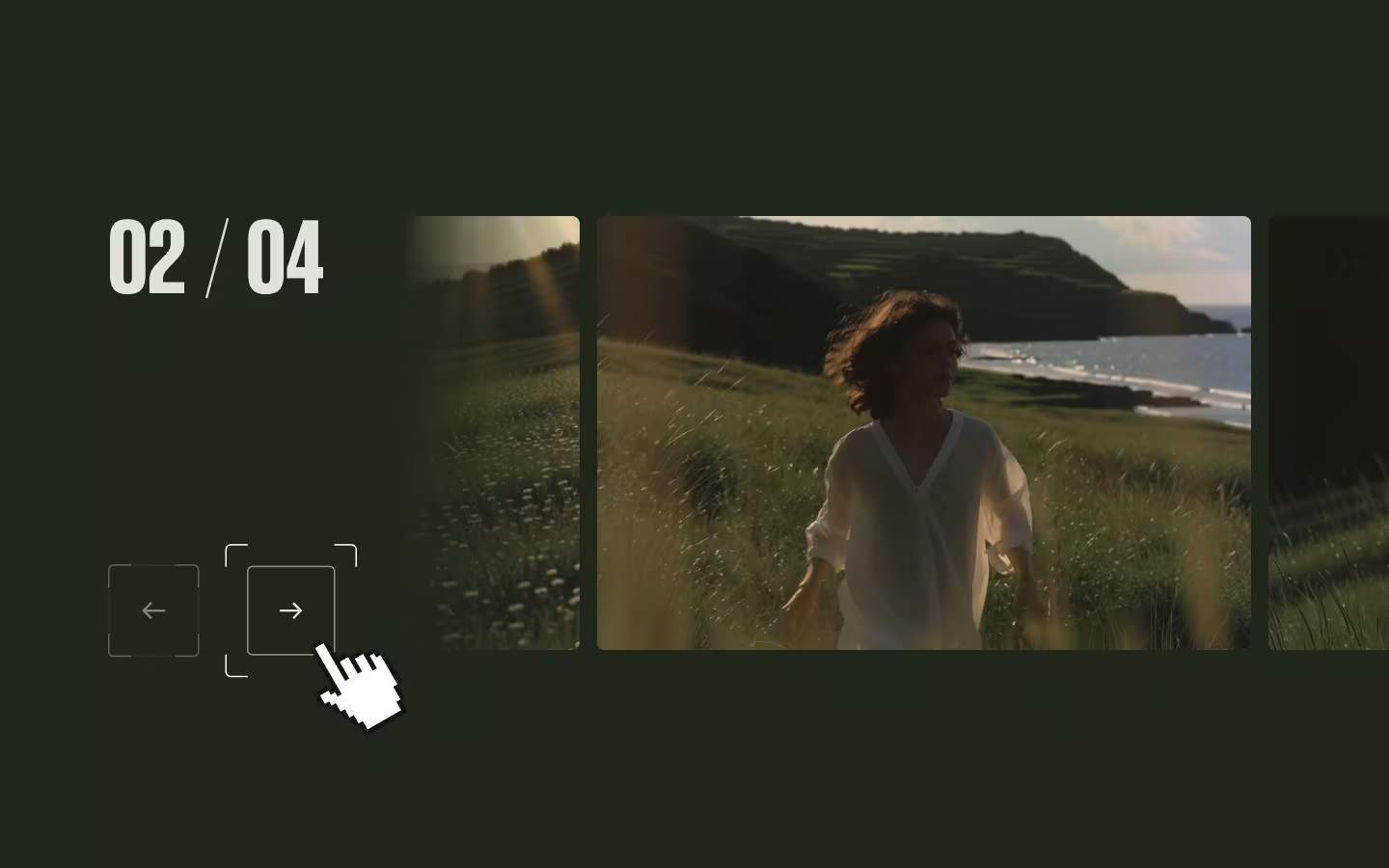










Line Reveal Testimonials

Documentation
Webflow
Code
Setup: External Scripts
External Scripts in Webflow
Make sure to always put the External Scripts before the JavasScript step of the resource. In this video you learn where to put these in your Webflow project:
HTML
<script src="https://cdn.jsdelivr.net/npm/gsap@3.14.1/dist/gsap.min.js"></script>
<script src="https://cdn.jsdelivr.net/npm/gsap@3.14.1/dist/SplitText.min.js"></script>
Step 1: Copy structure to Webflow
Copy structure to Webflow
In the video below we described how you can copy + paste the structure of this resource to your Webflow project:
Copy to Webflow
Webflow structure is not required for this resource.
Step 1: Add HTML
HTML
<div data-testimonial-wrap="" class="testimonial-lines">
  <div class="testimonial-lines__controls">
    <button data-prev="" aria-label="previous testimonial" class="testimonial-lines__button">
      <svg xmlns="http://www.w3.org/2000/svg" width="100%" viewbox="0 0 12 12" fill="none" class="testimonial-lines__arrow">
        <path d="M5.26512 12L6.43721 10.7746L1.48837 5.28169V6.71831L6.45581 1.22535L5.28372 0L-2.21369e-07 6L5.26512 12ZM12 6.97183V5.02817H1.30232V6.97183H12Z" fill="currentColor"></path>
      </svg>
    </button>
    <button data-next="" aria-label="next testimonial" class="testimonial-lines__button">
      <svg xmlns="http://www.w3.org/2000/svg" width="100%" viewbox="0 0 12 12" fill="none" class="testimonial-lines__arrow">
        <path d="M6.73488 12L5.56279 10.7746L10.5116 5.28169V6.71831L5.54419 1.22535L6.71628 0L12 6L6.73488 12ZM0 6.97183V5.02817H10.6977V6.97183H0Z" fill="currentColor"></path>
      </svg>
    </button>
  </div>
  <div class="testimonial-lines__main">
    <div class="testimonial-lines__main-details">
      <p class="testimonial-lines__p is--faded"><span data-current="" class="testimonial-lines__count">1</span> / <span data-total="">5</span></p>
      <p class="testimonial-lines__p">What our clients say:</p>
    </div>
    <div class="testimonial-lines__collection">
      <div role="list" data-testimonial-list="" class="testimonial-lines__list">
        <div aria-hidden="false" data-testimonial-item="" role="listitem" class="testimonial-lines__item is--active">
          <h3 data-testimonial-text="" class="testimonial-lines__h">“After a rough quarter, we needed hands fast. Their team jumped in with clear pricing and flexible coverage for weekend rushes and supplier delays. They’ve become our first call when operations get tight.”</h3>
          <div class="testimonial-lines__item-details">
            <div data-testimonial-img="" class="testimonial-lines__item-visual">
              <img src="https://cdn.prod.website-files.com/697946f9c74d6e83502491c6/6979fcf493ed513c80fb67b0_img-1.avif" class="testimonial-lines__item-img"></div>
            <div>
              <p data-testimonial-split="" class="testimonial-lines__p">Mara Kline</p>
              <p data-testimonial-split="" class="testimonial-lines__p is--faded">Northbay Produce Co.</p>
            </div>
          </div>
        </div>
        <div aria-hidden="true" data-testimonial-item="" role="listitem" class="testimonial-lines__item">
          <h3 data-testimonial-text="" class="testimonial-lines__h">“We were referred by a partner and liked the straight answers. They helped us stabilize scheduling, fill last-minute gaps, and keep deliveries on time during peak season. Now we reach out before problems snowball.”</h3>
          <div class="testimonial-lines__item-details">
            <div data-testimonial-img="" class="testimonial-lines__item-visual">
              <img src="https://cdn.prod.website-files.com/697946f9c74d6e83502491c6/6979fcf4340be6c44df0fa86_img-2.avif" class="testimonial-lines__item-img"></div>
            <div>
              <p data-testimonial-split="" class="testimonial-lines__p">Devon Reyes</p>
              <p data-testimonial-split="" class="testimonial-lines__p is--faded">Kestrel Courier Group</p>
            </div>
          </div>
        </div>
        <div aria-hidden="true" data-testimonial-item="" role="listitem" class="testimonial-lines__item">
          <h3 data-testimonial-text="" class="testimonial-lines__h">“During our expansion, training and onboarding fell behind. They stepped in with consistent staffing, fair rates, and quick turnaround for urgent shifts.”</h3>
          <div class="testimonial-lines__item-details">
            <div data-testimonial-img="" class="testimonial-lines__item-visual">
              <img src="https://cdn.prod.website-files.com/697946f9c74d6e83502491c6/6979fcf41e2c7bc67c213c31_img-3.avif" class="testimonial-lines__item-img"></div>
            <div>
              <p data-testimonial-split="" class="testimonial-lines__p">Priya Menon</p>
              <p data-testimonial-split="" class="testimonial-lines__p is--faded">Harborview Senior Living</p>
            </div>
          </div>
        </div>
        <div aria-hidden="true" data-testimonial-item="" role="listitem" class="testimonial-lines__item">
          <h3 data-testimonial-text="" class="testimonial-lines__h">“We had a sudden equipment outage and couldn’t afford downtime. They coordinated extra coverage, kept communication simple, and helped us meet our production commitments without surprises.”</h3>
          <div class="testimonial-lines__item-details">
            <div data-testimonial-img="" class="testimonial-lines__item-visual">
              <img src="https://cdn.prod.website-files.com/697946f9c74d6e83502491c6/6979fcf45f6f900cd99e3701_img-4.avif" class="testimonial-lines__item-img"></div>
            <div>
              <p data-testimonial-split="" class="testimonial-lines__p">Cole Hart</p>
              <p data-testimonial-split="" class="testimonial-lines__p is--faded">Redstone Bottling Works</p>
            </div>
          </div>
        </div>
        <div aria-hidden="true" data-testimonial-item="" role="listitem" class="testimonial-lines__item">
          <h3 data-testimonial-text="" class="testimonial-lines__h">“Our busiest months are unpredictable, and hiring temp help is usually a headache. They made it easy—clear terms, flexible availability, and people who actually showed up prepared. They’re our go-to when demand spikes.”</h3>
          <div class="testimonial-lines__item-details">
            <div data-testimonial-img="" class="testimonial-lines__item-visual">
              <img src="https://cdn.prod.website-files.com/697946f9c74d6e83502491c6/6979fcf4cb1e0ab479d5809a_img-5.avif" class="testimonial-lines__item-img"></div>
            <div>
              <p data-testimonial-split="" class="testimonial-lines__p">Lina Okafor</p>
              <p data-testimonial-split="" class="testimonial-lines__p is--faded">Juniper Street Catering</p>
            </div>
          </div>
        </div>
      </div>
    </div>
  </div>
</div>
HTML structure is not required for this resource.
Step 2: Add CSS
CSS
.testimonial-lines {
  grid-column-gap: 1.25em;
  grid-row-gap: 1.25em;
  flex-flow: wrap;
  justify-content: flex-start;
  align-items: flex-start;
  display: flex;
}

.testimonial-lines__controls {
  grid-column-gap: 1em;
  grid-row-gap: 1em;
  flex-flow: row;
  justify-content: flex-start;
  align-items: flex-start;
  width: 33.3333%;
  display: flex;
}

.testimonial-lines__main {
  grid-column-gap: 5em;
  grid-row-gap: 5em;
  flex-flow: column;
  flex: 1;
  justify-content: flex-start;
  align-items: flex-start;
  display: flex;
}

.testimonial-lines__button {
  background-color: #0000;
  border: 1px solid #0003;
  border-radius: .25em;
  justify-content: center;
  align-items: center;
  width: 2.5em;
  height: 2.5em;
  padding: 0;
  display: flex;
}

.testimonial-lines__arrow {
  width: .75em;
}

.testimonial-lines__main-details {
  grid-column-gap: 1.5em;
  grid-row-gap: 1.5em;
  flex-flow: row;
  justify-content: flex-start;
  align-items: center;
  display: flex;
}

.testimonial-lines__count {
  width: 1ch;
  display: inline-block;
}

.testimonial-lines__p {
  margin-bottom: 0;
  font-size: 1.25em;
  line-height: 1.2;
}

.testimonial-lines__p.is--faded {
  opacity: .5;
}

.testimonial-lines__collection {
  width: 100%;
}

.testimonial-lines__list {
  width: 100%;
  display: grid;
  position: relative;
}

.testimonial-lines__item {
  grid-column-gap: 4em;
  grid-row-gap: 4em;
  opacity: 0;
  visibility: hidden;
  flex-flow: column;
  grid-area: 1 / 1;
  justify-content: flex-start;
  align-items: flex-start;
  width: 100%;
  display: flex;
  position: relative;
}

.testimonial-lines__item.is--active {
  opacity: 100;
  visibility: visible;
}

.testimonial-lines__h {
  letter-spacing: -.02em;
  width: 100%;
  margin-top: 0;
  margin-bottom: 0;
  font-size: 3em;
  font-weight: 500;
  line-height: 1;
}

.text-line-mask{
  padding-bottom: 0.2em;
  margin-bottom: -0.2em;
}

.testimonial-lines__item-details {
  grid-column-gap: 1.25em;
  grid-row-gap: 1.25em;
  flex-flow: row;
  justify-content: flex-start;
  align-items: center;
  display: flex;
}

.testimonial-lines__item-visual {
  aspect-ratio: 1;
  border-radius: 100em;
  width: 5em;
  overflow: hidden;
}

.testimonial-lines__item-img {
  object-fit: cover;
  width: 100%;
  height: 100%;
}

@media screen and (max-width: 767px) {
  .testimonial-lines {
    grid-column-gap: 3em;
    grid-row-gap: 3em;
  }

  .testimonial-lines__controls {
    order: 9999;
    width: 100%;
  }

  .testimonial-lines__main {
    grid-column-gap: 3em;
    grid-row-gap: 3em;
  }

  .testimonial-lines__p {
    font-size: 1em;
  }

  .testimonial-lines__item {
    grid-column-gap: 2em;
    grid-row-gap: 2em;
  }

  .testimonial-lines__h {
    font-size: 2em;
  }

  .testimonial-lines__item-visual {
    width: 3.5em;
  }
}
Step 2: Add custom Javascript
Custom Javascript in Webflow
In this video, Ilja gives you some guidance about using JavaScript in Webflow:
Step 2: Add Javascript
Step 3: Add Javascript
Javascript
function initLineRevealTestimonials() {
  const wraps = document.querySelectorAll("[data-testimonial-wrap]");
  if (!wraps.length) return;

  wraps.forEach((wrap) => {
    const list = wrap.querySelector("[data-testimonial-list]");
    if (!list) return;

    const items = Array.from(list.querySelectorAll("[data-testimonial-item]"));
    if (!items.length) return;

    const btnPrev = wrap.querySelector("[data-prev]");
    const btnNext = wrap.querySelector("[data-next]");
    const elCurrent = wrap.querySelector("[data-current]");
    const elTotal = wrap.querySelector("[data-total]");

    if (elTotal) elTotal.textContent = String(items.length);

    let activeIndex = items.findIndex((el) => el.classList.contains("is--active"));
    if (activeIndex < 0) activeIndex = 0;

    let isAnimating = false;
    let reduceMotion = false;

    const slides = items.map((item) => ({
      item,
      image: item.querySelector("[data-testimonial-img]"),

      splitTargets: [
        item.querySelector("[data-testimonial-text]"),
        ...item.querySelectorAll("[data-testimonial-split]"),
      ].filter(Boolean),

      splitInstances: [],

      getLines() {
        return this.splitInstances.flatMap((instance) => instance.lines);
      },

    }));

    function setSlideState(slideIndex, isActive) {
      const { item } = slides[slideIndex];
      item.classList.toggle("is--active", isActive);
      item.setAttribute("aria-hidden", String(!isActive));
      gsap.set(item, {
        autoAlpha: isActive ? 1 : 0,
        pointerEvents: isActive ? "auto" : "none",
      });
    }

    function updateCounter() {
      if (elCurrent) elCurrent.textContent = String(activeIndex + 1);
    }

    // Set initial state
    slides.forEach((_, i) => setSlideState(i, i === activeIndex));
    updateCounter();

    // Handle reduced motion preference
    gsap.matchMedia().add(
      { reduce: "(prefers-reduced-motion: reduce)" },
      (context) => {
        reduceMotion = context.conditions.reduce;
      }
    );

    // Create SplitText instances
    slides.forEach((slide, slideIndex) => {
      slide.splitInstances = slide.splitTargets.map((el) =>
        SplitText.create(el, {
          type: "lines",
          mask: "lines",
          linesClass: "text-line",
          autoSplit: true,
          onSplit(self) {
            if (reduceMotion) return;

            const isActive = slideIndex === activeIndex;
            gsap.set(self.lines, { yPercent: isActive ? 0 : 110 });

            if (slide.image) {
              gsap.set(slide.image, {
                clipPath: isActive ? "circle(50% at 50% 50%)" : "circle(0% at 50% 50%)",
              });
            }
          },
        })
      );
    });

    function goTo(nextIndex) {
      if (isAnimating || nextIndex === activeIndex) return;
      isAnimating = true;

      const outgoingSlide = slides[activeIndex];
      const incomingSlide = slides[nextIndex];

      const tl = gsap.timeline({
        onComplete: () => {
          setSlideState(activeIndex, false);
          setSlideState(nextIndex, true);
          activeIndex = nextIndex;
          updateCounter();
          isAnimating = false;
        },
      });

      if (reduceMotion) {
        tl.to(outgoingSlide.item, {
            autoAlpha: 0,
            duration: 0.4,
            ease: "power2"
          }, 0)
          .fromTo(incomingSlide.item, {
            autoAlpha: 0
          }, {
            autoAlpha: 1,
            duration: 0.4,
            ease: "power2"
          }, 0);

        return;
      }

      const outgoingLines = outgoingSlide.getLines();
      const incomingLines = incomingSlide.getLines();

      gsap.set(incomingSlide.item, { autoAlpha: 1, pointerEvents: "auto" });
      gsap.set(incomingLines, { yPercent: 110 });

      if (incomingSlide.image) gsap.set(incomingSlide.image, { clipPath: "circle(0% at 50% 50%)" });
      if (outgoingSlide.image) gsap.set(outgoingSlide.image, { clipPath: "circle(50% at 50% 50%)" });

      tl.to(outgoingLines, {
        yPercent: -110,
        duration: 0.6,
        ease: "power4.inOut",
        stagger: { amount: 0.25 },
      }, 0);

      if (outgoingSlide.image) {
        tl.to(outgoingSlide.image, {
          clipPath: "circle(0% at 50% 50%)",
          duration: 0.6,
          ease: "power4.inOut",
        }, 0);
      }

      tl.to(incomingLines, {
        yPercent: 0,
        duration: 0.7,
        ease: "power4.inOut",
        stagger: { amount: 0.4 },
      }, ">-=0.3");

      if (incomingSlide.image) {
        tl.to(incomingSlide.image, {
          clipPath: "circle(50% at 50% 50%)",
          duration: 0.75,
          ease: "power4.inOut",
        }, "<");
      }

      tl.set(outgoingSlide.item, { autoAlpha: 0 }, ">");
    }

    if (btnNext) btnNext.addEventListener("click", () => goTo((activeIndex + 1) % slides.length));
    if (btnPrev) btnPrev.addEventListener("click", () => goTo((activeIndex - 1 + slides.length) % slides.length));
  });
}

// Initialize Line Reveal Testimonials
document.addEventListener("DOMContentLoaded", () => {
  initLineRevealTestimonials();
});
Step 3: Add custom CSS
Step 2: Add custom CSS
Custom CSS in Webflow
Curious about where to put custom CSS in Webflow? Ilja explains it in the below video:
CSS
.text-line-mask{
  padding-bottom: 0.2em;
  margin-bottom: -0.2em;
}
Implementation
Wrap
The outer container [data-testimonial-wrap] defines the boundary for each testimonial slider instance, containing all slides and navigation elements.
List
Inside the wrap, [data-testimonial-list] holds all the individual testimonial slides and manages their stacking.
Items / slides
Each testimonial slide requires [data-testimonial-item] to be recognized by the slider. Add the class is--active to whichever slide should be visible on load.
Main text element
The primary text element within each slide uses [data-testimonial-text] and will be split into animated lines.
Smaller text elements
Additional text elements that should animate can be marked with [data-testimonial-split], useful for author names, titles, or other secondary content.
Image
An optional image element marked with [data-testimonial-img] will animate with a circular clip-path reveal effect alongside the text. You're of course completely free to change this (or any, for that matter) animations in the timeline.
Navigation
Previous and next buttons use [data-prev] and [data-next] respectively to control slide navigation.
Counter
Display the current slide number with [data-current] and the total count with [data-total], both updated automatically as users navigate.
Accessibility
When the user prefers reduced motion, the slider bypasses the line-by-line text animation and circular image reveal in favor of a subtle crossfade between slides. Each slide also receives appropriate aria-hidden attributes based on its active state.
Extending the Slide Data
The slider collects animated elements through the slides map. To add new animated properties, extend the slide object with your element query and create corresponding animation logic in the goTo function. To keep everything nice and clear, we recommend using data attributes for targeting, following the same naming convention.
const slides = items.map((item) => ({
  item,
  image: item.querySelector("[data-testimonial-img]"),
  icon: item.querySelector("[data-testimonial-icon]"), // new element
  badge: item.querySelector("[data-testimonial-badge]"), // new element
  // ...rest of the existing map
}));
Set initial states for new elements inside the onSplit callback alongside existing image logic.
onSplit(self) {
  if (reduceMotion) return;

  const isActive = slideIndex === activeIndex;
  gsap.set(self.lines, { yPercent: isActive ? 0 : 110 });

  if (slide.image) {
    gsap.set(slide.image, {
      clipPath: isActive ? "circle(75% at 50% 50%)" : "circle(0% at 50% 50%)",
    });
  }

  if (slide.icon) {
    gsap.set(slide.icon, {
      scale: isActive ? 1 : 0,
      autoAlpha: isActive ? 1 : 0,
    });
  }
}
Then add the corresponding animations to the timeline in goTo, matching the timing and easing of existing elements.
// Animate out
if (outgoingSlide.icon) {
  timeline.to(outgoingSlide.icon, {
    scale: 0,
    autoAlpha: 0,
    duration: 0.5,
    ease: "power4.inOut",
  }, 0);
}

// Animate in
if (incomingSlide.icon) {
  timeline.to(incomingSlide.icon, {
    scale: 1,
    autoAlpha: 1,
    duration: 0.6,
    ease: "power4.out",
  }, ">-=0.3");
}Resource details
Last updated
January 28, 2026
Category
Sliders & Marquees
Need help?
Join Slack
Original source
 Ilja van Eck
Creator Credits
We always strive to credit creators as accurately as possible. While similar concepts might appear online, we aim to provide proper and respectful attribution.