

















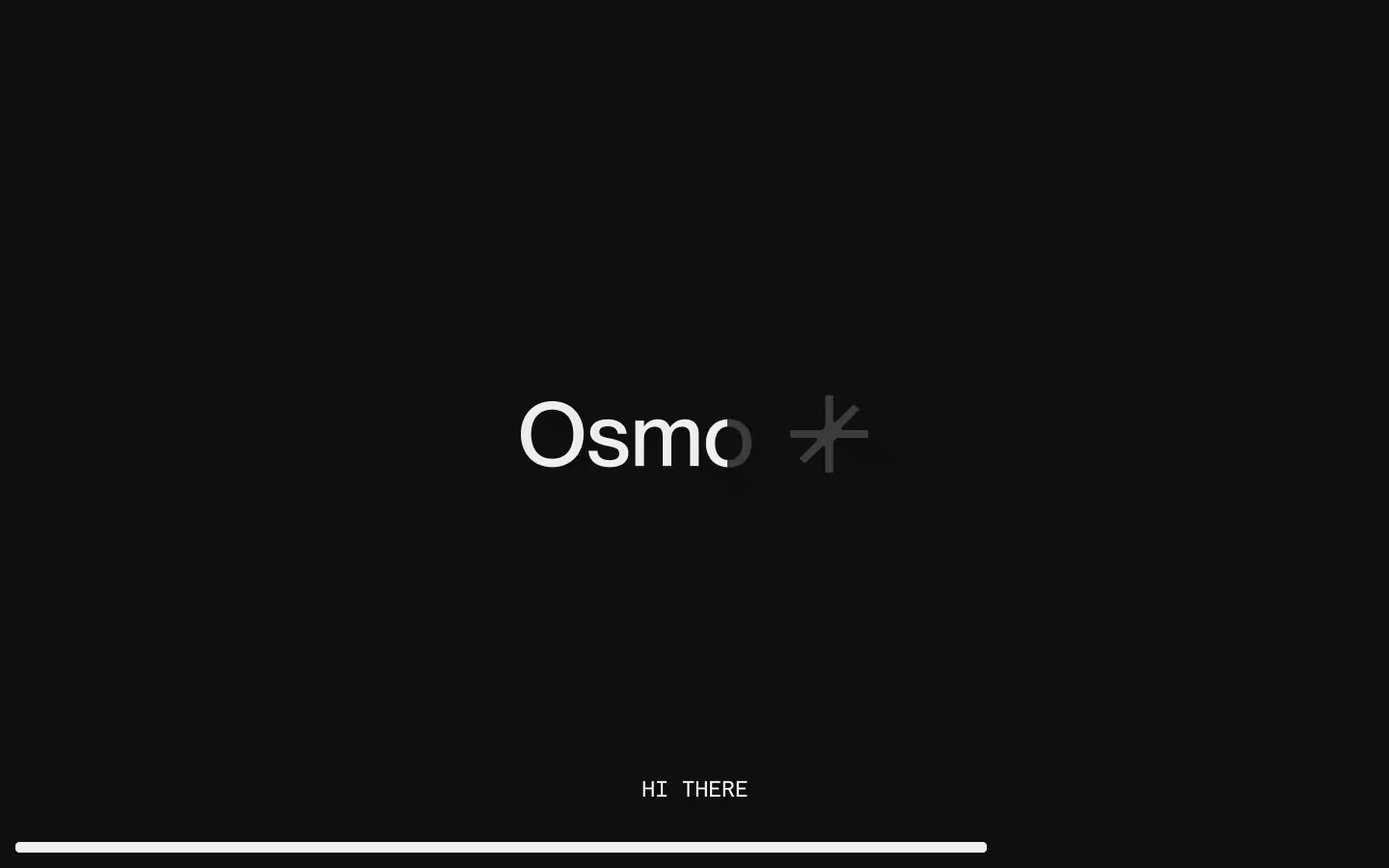




















































Radial Text Marquee

Documentation
Webflow
Code
Setup: External Scripts
External Scripts in Webflow
Make sure to always put the External Scripts before the JavasScript step of the resource. In this video you learn where to put these in your Webflow project:
HTML
<script src="https://cdn.jsdelivr.net/npm/gsap@3.14.1/dist/gsap.min.js"></script>
<script src="https://cdn.jsdelivr.net/npm/gsap@3.14.1/dist/ScrollTrigger.min.js"></script>
Step 1: Copy structure to Webflow
Copy structure to Webflow
In the video below we described how you can copy + paste the structure of this resource to your Webflow project:
Copy to Webflow
Webflow structure is not required for this resource.
Step 1: Add HTML
HTML
<div data-radial-text-marquee-init="" data-radial-text-marquee-speed="2" data-radial-text-marquee-radius="8" data-radial-text-marquee-spacer="-" data-radial-text-marquee-spacer-color="#A1FF62" class="radial-text-marquee">
  <div data-radial-text-marquee-text="" class="radial-text-marquee__text">Radial Text Marquee</div>
</div>
HTML structure is not required for this resource.
Step 2: Add CSS
CSS
.radial-text-marquee {
  width: 100%;
  position: relative;
}

.radial-text-marquee__text {
  text-align: center;
  letter-spacing: -.04em;
  white-space: nowrap;
  user-select: none;
  font-size: clamp(4.5em, 10vw, 10em);
}
Step 2: Add custom Javascript
Custom Javascript in Webflow
In this video, Ilja gives you some guidance about using JavaScript in Webflow:
Step 2: Add Javascript
Step 3: Add Javascript
Javascript
function initRadialTextMarquee() {
  const wraps = document.querySelectorAll('[data-radial-text-marquee-init]');
  if (!wraps.length) return;

  const ns = 'http://www.w3.org/2000/svg';
  const xns = 'http://www.w3.org/1999/xlink';
  const prm = window.matchMedia && window.matchMedia('(prefers-reduced-motion: reduce)').matches;
  const isSafari = (() => {
    const ua = navigator.userAgent;
    return /Safari/i.test(ua) && !/Chrome|Chromium|Edg|OPR/i.test(ua);
  })();

  const clamp = (n, a, b) => Math.min(b, Math.max(a, Number(n) || 0));

  const speedMul = () => {
    const w = window.innerWidth || 2000;
    const t = clamp((w - 250) / (2000 - 250), 0, 1);
    return 0.5 + t * (1 - 0.5);
  };

  const lsToPx = (ls, fs) => {
    if (!ls || ls === 'normal') return 0;
    if (ls.endsWith('px')) return parseFloat(ls) || 0;
    if (ls.endsWith('em')) return (parseFloat(ls) || 0) * fs;
    if (ls.endsWith('rem')) {
      const root = parseFloat(getComputedStyle(document.documentElement).fontSize) || 16;
      return (parseFloat(ls) || 0) * root;
    }
    const n = parseFloat(ls);
    return Number.isFinite(n) ? n : 0;
  };

  const syncType = (fromEl, svgText, svgTextPath) => {
    const s = getComputedStyle(fromEl);
    const fsPx = parseFloat(s.fontSize) || 16;
    const lsPx = lsToPx(s.letterSpacing, fsPx);

    svgText.setAttribute('font-family', s.fontFamily);
    svgText.setAttribute('font-size', s.fontSize);
    svgText.setAttribute('font-weight', s.fontWeight);
    svgText.setAttribute('dominant-baseline', 'alphabetic');
    svgText.setAttribute('text-rendering', 'geometricPrecision');
    svgText.setAttribute('fill', s.color);

    svgText.setAttribute('letter-spacing', `${lsPx}px`);
    svgText.setAttribute('font-kerning', 'none');
    svgText.setAttribute('font-feature-settings', '"kern" 0, "liga" 0, "clig" 0');

    if (svgTextPath) svgTextPath.setAttribute('letter-spacing', `${lsPx}px`);

    return { fsPx, lsPx, ff: s.fontFamily, fw: s.fontWeight, fz: s.fontSize };
  };

  const tspan = (tp, v, fill, lsPx) => {
    const t = document.createElementNS(ns, 'tspan');
    t.textContent = v;
    if (fill) t.setAttribute('fill', fill);
    if (lsPx != null) t.setAttribute('letter-spacing', `${lsPx}px`);
    tp.appendChild(t);
  };

  const buildRun = (tp, text, spacer, spacerColor, pad, reps, lsPx) => {
    tp.textContent = '';
    for (let i = 0; i < reps; i++) {
      tspan(tp, text, null, lsPx);
      tspan(tp, pad, null, lsPx);
      tspan(tp, spacer, spacerColor, lsPx);
      tspan(tp, pad, null, lsPx);
    }
  };

  const circleR = (half, level01) => {
    if (level01 <= 0) return half * 200;
    const inv = 1 - level01;
    return half * (1.01 + inv * inv * 16.99);
  };

  const canvas = document.createElement('canvas');
  const ctx = canvas.getContext('2d');

  const measureLS = (str, fontCss, lsPx) => {
    if (!ctx) return 0;
    ctx.font = fontCss;
    const txt = (str || '').replace(/\u00A0/g, ' ');
    const w = ctx.measureText(txt).width || 0;
    const glyphs = Array.from(txt).length;
    return w + Math.max(glyphs - 1, 0) * (lsPx || 0);
  };

  const setPlaying = (st, play) => {
    st.inView = play;
    if (!st.tw) return;
    if (prm) return st.tw.pause();
    play ? st.tw.play() : st.tw.pause();
  };

  const makeSvg = (wrap) => {
    const svg = document.createElementNS(ns, 'svg');
    const defs = document.createElementNS(ns, 'defs');
    const g = document.createElementNS(ns, 'g');
    const path = document.createElementNS(ns, 'path');
    const text = document.createElementNS(ns, 'text');
    const tp = document.createElementNS(ns, 'textPath');
    const id = `rtm-${Math.random().toString(16).slice(2)}`;

    svg.setAttribute('xmlns', ns);
    svg.setAttribute('xmlns:xlink', xns);
    Object.assign(svg.style, {
      position: 'absolute',
      top: 0,
      left: 0,
      overflow: 'visible',
      pointerEvents: 'none',
      display: 'block'
    });
    svg.setAttribute('aria-hidden', 'true');
    svg.setAttribute('focusable', 'false');

    path.setAttribute('id', id);
    path.setAttribute('fill', 'none');
    path.setAttribute('stroke', 'none');

    tp.setAttributeNS(xns, 'xlink:href', `#${id}`);
    tp.setAttribute('text-anchor', 'start');
    tp.setAttribute('startOffset', '0px');

    text.appendChild(tp);
    defs.appendChild(path);
    svg.appendChild(defs);
    g.appendChild(path);
    g.appendChild(text);
    svg.appendChild(g);
    wrap.appendChild(svg);

    const textEl = wrap.querySelector('[data-radial-text-marquee-text]');
    if (textEl) textEl.style.opacity = '0';

    return { svg, g, path, text, tp };
  };

  wraps.forEach((wrap) => {
    const textEl = wrap.querySelector('[data-radial-text-marquee-text]');
    if (!textEl) return;

    const st = { ...makeSvg(wrap), tw: null, px: { x: 0 }, inView: true, raf: 0, qs: null };
    new IntersectionObserver((e) => setPlaying(st, !!(e[0] && e[0].isIntersecting)), { threshold: 0 }).observe(wrap);

    const rebuild = () => {
      const baseText = (textEl.textContent || '').trim();
      if (!baseText) return;

      const speed = clamp(wrap.getAttribute('data-radial-text-marquee-speed') || 4, 0.1, 200);
      const speedPx = Math.max(speed * 100 * speedMul(), 1);

      const radiusLevel = clamp(wrap.getAttribute('data-radial-text-marquee-radius') || 10, 0, 10);
      const level01 = radiusLevel / 10;

      const spacer = wrap.getAttribute('data-radial-text-marquee-spacer') || '•';
      const spacerColor = wrap.getAttribute('data-radial-text-marquee-spacer-color') || null;

      const padCount = clamp(wrap.getAttribute('data-radial-text-marquee-spacer-padding') || 1, 0, 20);
      const pad = '\u00A0'.repeat(padCount);

      const typo = syncType(textEl, st.text, st.tp);

      const wrapW = Math.max(wrap.clientWidth || 1, 1);
      const wrapH = Math.max(wrap.clientHeight || textEl.offsetHeight || 1, 1);
      const bleed = typo.fsPx * 2;

      const w = wrapW + bleed * 2;
      const h = wrapH;

      Object.assign(st.svg.style, { width: `${w}px`, height: `${h}px`, left: `${-bleed}px` });
      st.svg.setAttribute('width', w);
      st.svg.setAttribute('height', h);
      st.svg.setAttribute('viewBox', `0 0 ${w} ${h}`);

      const half = w / 2;
      const r = level01 <= 0.0001 ? half * 200 : Math.max(circleR(half, level01), half + 0.001);
      const under = Math.max(r * r - half * half, 0);
      const y = Math.max(r - Math.sqrt(under), 0);

      st.path.setAttribute(
        'd',
        level01 <= 0.0001 ? `M 0 ${y} L ${w} ${y}` : `M 0 ${y} A ${r} ${r} 0 0 1 ${w} ${y}`
      );

      st.text.setAttribute('x', '0');
      st.text.setAttribute('y', `${y}`);
      st.g.setAttribute('transform', `translate(0 ${typo.fsPx})`);
      textEl.style.opacity = '0';

      cancelAnimationFrame(st.raf);
      st.raf = requestAnimationFrame(() => {
        const fontCss = `${typo.fw} ${typo.fz} ${typo.ff}`;

        let loopLen =
          measureLS(baseText, fontCss, typo.lsPx) +
          measureLS(pad, fontCss, typo.lsPx) +
          measureLS(spacer, fontCss, typo.lsPx) +
          measureLS(pad, fontCss, typo.lsPx);

        loopLen = Math.max(loopLen || 0, 1);

        const pathLen = st.path.getTotalLength ? st.path.getTotalLength() : wrapW;
        const targetCover = Math.max(pathLen * 4, wrapW * 8);

        const reps = clamp(Math.ceil(targetCover / loopLen) + 6, 6, 600);
        buildRun(st.tp, baseText, spacer, spacerColor, pad, reps, typo.lsPx);

        if (!isSafari) {
          const fullLen = st.tp.getComputedTextLength();
          if (Number.isFinite(fullLen) && fullLen > 0) {
            const perUnit = fullLen / reps;
            if (Number.isFinite(perUnit) && perUnit > 0) loopLen = perUnit;
          }
        }

        loopLen = Math.max(loopLen, 1);

        if (st.tw) st.tw.kill();
        st.tw = null;
        if (prm) return;

        st.qs = gsap && gsap.quickSetter ? gsap.quickSetter(st.tp, 'attr') : null;

        const setOffset = (v) => {
          const val = `${v.toFixed(3)}px`;
          if (st.qs) st.qs({ startOffset: val });
          else st.tp.setAttribute('startOffset', val);
        };

        st.px.x = 0;
        st.tw = gsap.to(st.px, {
          x: loopLen,
          duration: loopLen / speedPx,
          ease: 'none',
          repeat: -1,
          onUpdate: () => {
            const x = ((st.px.x % loopLen) + loopLen) % loopLen;
            setOffset(-x);
          }
        });

        setPlaying(st, st.inView);
      });
    };

    const schedule = (() => {
      let raf = 0;
      return () => {
        cancelAnimationFrame(raf);
        raf = requestAnimationFrame(rebuild);
      };
    })();

    rebuild();

    if (document.fonts && document.fonts.ready) document.fonts.ready.then(schedule).catch(() => {});
    else setTimeout(schedule, 150);

    if (window.ResizeObserver) {
      const ro = new ResizeObserver(schedule);
      ro.observe(wrap);
      ro.observe(textEl);
    } else {
      window.addEventListener('resize', schedule);
    }
  });
}

// Initialize Radial Text Marquee
document.addEventListener('DOMContentLoaded', function () {
  initRadialTextMarquee();
});
Step 3: Add custom CSS
Step 2: Add custom CSS
Custom CSS in Webflow
Curious about where to put custom CSS in Webflow? Ilja explains it in the below video:
CSS
Implementation
This radial text marquee relies on a relatively long script because it dynamically creates multiple SVG elements, measures text geometry in real time, synchronizes font styles, and calculates circular paths and looping offsets based on layout and viewport size.
Container
Use [data-radial-text-marquee-init] to define the wrapper that initializes the radial marquee, creates the SVG, controls animation, and manages viewport-based play and pause. Make sure the Radial Text Marquee is wrapped in an element with overflow: hidden/clip; applied, so any horizontal overflow is clipped and no unwanted scrolling occurs.
Text
Use [data-radial-text-marquee-text] to provide the source text whose content and typography are read and mirrored into the animated SVG text path.
Radius
Use [data-radial-text-marquee-radius] (0–10, default 10) to control the curvature of the path, where lower values flatten the curve and higher values increase the arc.
Speed
Use [data-radial-text-marquee-speed] (default 4) to control how fast the marquee moves, where each step roughly equals 100px per second before responsive scaling.
Spacer
Use [data-radial-text-marquee-spacer] (default •) to insert a character between repeated text segments inside the marquee flow.
Spacer Color
Use [data-radial-text-marquee-spacer-color] to apply a different fill color to the spacer character while keeping the main text color inherited from the original text.
Spacer Padding
Use [data-radial-text-marquee-spacer-padding] (default 1) to control the spacing before and after the spacer character, affecting how tightly text segments sit together.
Resource details
Last updated
January 22, 2026
Category
Text Animations
Need help?
Join Slack
Original source
 Dennis Snellenberg
Creator Credits
We always strive to credit creators as accurately as possible. While similar concepts might appear online, we aim to provide proper and respectful attribution.