
































































































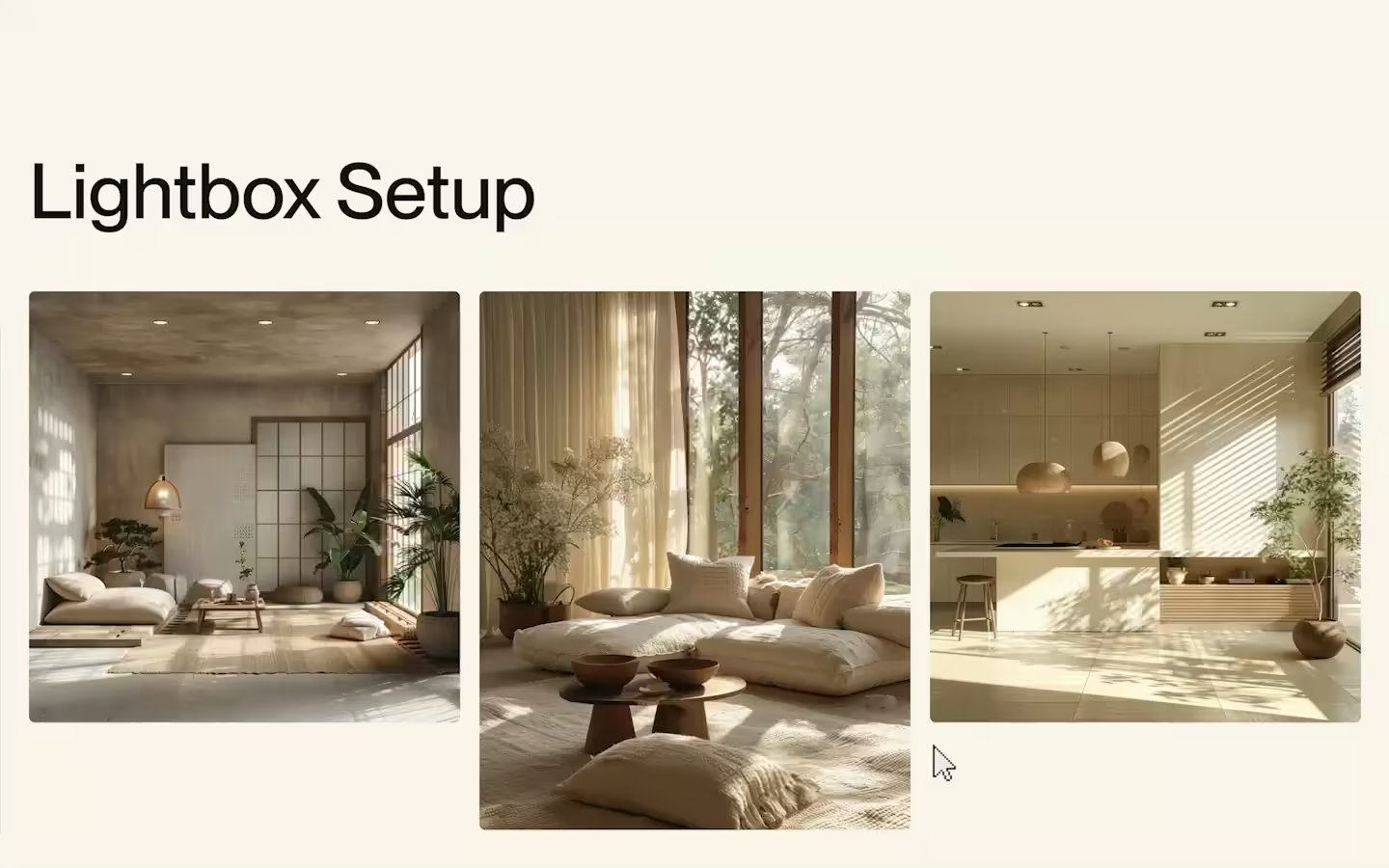
Lightbox Setup
Documentation
Webflow
Code
Setup: External Scripts
External Scripts in Webflow
Make sure to always put the External Scripts before the JavasScript step of the resource. In this video you learn where to put these in your Webflow project:
HTML
<script src="https://cdn.jsdelivr.net/npm/gsap@3.12.7/dist/gsap.min.js"></script>
<script src="https://cdn.jsdelivr.net/npm/gsap@3.12.7/dist/Flip.min.js"></script>
Step 1: Copy structure to Webflow
Copy structure to Webflow
In the video below we described how you can copy + paste the structure of this resource to your Webflow project:
Copy to Webflow
Webflow structure is not required for this resource.
Step 1: Add HTML
HTML
<div data-gallery="" class="gallery-group">
  <div role="list" class="gallery-grid">
    <div data-lightbox="trigger-parent" role="listitem" class="gallery-grid__item"><button data-lightbox="trigger" class="gallery-item__button"><img src="https://cdn.prod.website-files.com/67adb90c0e4e191daea5f4ed/67add146391123833e91d869_image-2.avif" loading="lazy" alt="" class="gallery-item__img"></button></div>
    <div data-lightbox="trigger-parent" role="listitem" class="gallery-grid__item"><button data-lightbox="trigger" class="gallery-item__button"><img src="https://cdn.prod.website-files.com/67adb90c0e4e191daea5f4ed/67add146d05ce012e9b59eb3_image-9.avif" loading="lazy" alt="" class="gallery-item__img"></button></div>
    <div data-lightbox="trigger-parent" role="listitem" class="gallery-grid__item"><button data-lightbox="trigger" class="gallery-item__button"><img src="https://cdn.prod.website-files.com/67adb90c0e4e191daea5f4ed/67add14685ff33bc9a1bca6f_image-3.avif" loading="lazy" alt="" class="gallery-item__img"></button></div>
    <div data-lightbox="trigger-parent" role="listitem" class="gallery-grid__item"><button data-lightbox="trigger" class="gallery-item__button"><img src="https://cdn.prod.website-files.com/67adb90c0e4e191daea5f4ed/67add1469f78a3b9edcab7d6_image-10.avif" loading="lazy" alt="" class="gallery-item__img"></button></div>
    <div data-lightbox="trigger-parent" role="listitem" class="gallery-grid__item"><button data-lightbox="trigger" class="gallery-item__button"><img src="https://cdn.prod.website-files.com/67adb90c0e4e191daea5f4ed/67add14675fda0c86dd933fd_image-4.avif" loading="lazy" alt="" class="gallery-item__img"></button></div>
    <div data-lightbox="trigger-parent" role="listitem" class="gallery-grid__item"><button data-lightbox="trigger" class="gallery-item__button"><img src="https://cdn.prod.website-files.com/67adb90c0e4e191daea5f4ed/67add1464b2c93225d824618_image-7.avif" loading="lazy" alt="" class="gallery-item__img"></button></div>
    <div data-lightbox="trigger-parent" role="listitem" class="gallery-grid__item"><button data-lightbox="trigger" class="gallery-item__button"><img src="https://cdn.prod.website-files.com/67adb90c0e4e191daea5f4ed/67add146a4e4e7d3b06da7e8_image-8.avif" loading="lazy" alt="" class="gallery-item__img"></button></div>
    <div data-lightbox="trigger-parent" role="listitem" class="gallery-grid__item"><button data-lightbox="trigger" class="gallery-item__button"><img src="https://cdn.prod.website-files.com/67adb90c0e4e191daea5f4ed/67add1467403f8fe57d124fb_image-6.avif" loading="lazy" alt="" class="gallery-item__img"></button></div>
    <div data-lightbox="trigger-parent" role="listitem" class="gallery-grid__item"><button data-lightbox="trigger" class="gallery-item__button"><img src="https://cdn.prod.website-files.com/67adb90c0e4e191daea5f4ed/67add146018bbc6fb21e8856_image-5.avif" loading="lazy" alt="" class="gallery-item__img"></button></div>
  </div>
  <div aria-modal="true" data-lightbox="wrapper" role="dialog" class="lightbox-wrap">
    <div class="lightbox-img__wrap">
      <div class="lightbox-img__list">
        <div data-lightbox="item" class="lightbox-img__item"><img src="https://cdn.prod.website-files.com/67adb90c0e4e191daea5f4ed/67add146391123833e91d869_image-2.avif" loading="lazy" alt="" class="lightbox-img"></div>
        <div data-lightbox="item" class="lightbox-img__item"><img src="https://cdn.prod.website-files.com/67adb90c0e4e191daea5f4ed/67add146d05ce012e9b59eb3_image-9.avif" loading="lazy" alt="" class="lightbox-img"></div>
        <div data-lightbox="item" class="lightbox-img__item"><img src="https://cdn.prod.website-files.com/67adb90c0e4e191daea5f4ed/67add14685ff33bc9a1bca6f_image-3.avif" loading="lazy" alt="" class="lightbox-img"></div>
        <div data-lightbox="item" class="lightbox-img__item"><img src="https://cdn.prod.website-files.com/67adb90c0e4e191daea5f4ed/67add1469f78a3b9edcab7d6_image-10.avif" loading="lazy" alt="" class="lightbox-img"></div>
        <div data-lightbox="item" class="lightbox-img__item"><img src="https://cdn.prod.website-files.com/67adb90c0e4e191daea5f4ed/67add14675fda0c86dd933fd_image-4.avif" loading="lazy" alt="" class="lightbox-img"></div>
        <div data-lightbox="item" class="lightbox-img__item"><img src="https://cdn.prod.website-files.com/67adb90c0e4e191daea5f4ed/67add1464b2c93225d824618_image-7.avif" loading="lazy" alt="" class="lightbox-img"></div>
        <div data-lightbox="item" class="lightbox-img__item"><img src="https://cdn.prod.website-files.com/67adb90c0e4e191daea5f4ed/67add146a4e4e7d3b06da7e8_image-8.avif" loading="lazy" alt="" class="lightbox-img"></div>
        <div data-lightbox="item" class="lightbox-img__item"><img src="https://cdn.prod.website-files.com/67adb90c0e4e191daea5f4ed/67add1467403f8fe57d124fb_image-6.avif" loading="lazy" alt="" class="lightbox-img"></div>
        <div data-lightbox="item" class="lightbox-img__item"><img src="https://cdn.prod.website-files.com/67adb90c0e4e191daea5f4ed/67add146018bbc6fb21e8856_image-5.avif" loading="lazy" alt="" class="lightbox-img"></div>
      </div>
    </div>
    <div class="lightbox-nav">
      <div data-lightbox="nav" class="lightbox-nav__col start">
        <p class="lightbox-nav__text"><span data-lightbox="counter-current">9</span> / <span data-lightbox="counter-total">9</span></p>
      </div>
      <div data-lightbox="nav" class="lightbox-nav__col center">
        <button data-lightbox="prev" class="lightbox-nav__button">
          <div class="lightbox-nav__dot"></div>
          <span class="lightbox-nav__text">prev</span>
        </button>
        <button data-lightbox="next" class="lightbox-nav__button">
          <span class="lightbox-nav__text">next</span>
          <div class="lightbox-nav__dot"></div>
        </button>
      </div>
      <div data-lightbox="nav" class="lightbox-nav__col end"><button data-lightbox="close" class="lightbox-nav__button"><span class="lightbox-nav__text">close</span></button></div>
    </div>
  </div>
</div>
HTML structure is not required for this resource.
Step 2: Add CSS
CSS
.gallery-grid {
  grid-column-gap: 1.25em;
  grid-row-gap: 4em;
  flex-flow: wrap;
  justify-content: flex-start;
  align-items: flex-start;
  width: 100%;
  padding-bottom: 8em;
  display: flex;
}

.gallery-grid__item {
  width: calc(33.3333% - .833333em);
}

.gallery-item__button {
  outline-offset: -1px;
  background-color: #0000;
  border: 1px #000;
  border-radius: .375em;
  outline: 1px #131313;
  width: 100%;
  padding: 0;
}

.gallery-item__button:focus-visible {
  outline-offset: 3px;
  border-radius: .25em;
  outline: 1px solid #131313;
}

.gallery-item__img {
  border-radius: .375em;
  width: 100%;
}

.lightbox-wrap {
  z-index: 100;
  justify-content: center;
  align-items: center;
  width: 100%;
  height: 100dvh;
  display: none;
  position: fixed;
  inset: 0% 0% auto;
}

.lightbox-wrap.is-active {
  display: flex;
}

.lightbox-img__wrap {
  width: 90vw;
  height: calc(100svh - 10em);
}

.lightbox-img__container {
  width: 100%;
  height: 100%;
}

.lightbox-img__list {
  justify-content: center;
  align-items: center;
  width: 100%;
  height: 100%;
  display: flex;
  position: relative;
}

.lightbox-img__item {
  visibility: hidden;
  justify-content: center;
  align-items: center;
  width: 100%;
  height: 100%;
  display: flex;
  position: absolute;
}

.lightbox-img__item.is-active {
  visibility: visible;
}

.lightbox-img {
  object-fit: contain;
  border-radius: .375em;
  min-width: auto;
  max-height: 100%;
}

.lightbox-img__item img {
  object-fit: contain !important;
  min-width: auto;
  width: auto;
  max-height: 100%;
}

.lightbox-nav {
  z-index: 2;
  color: #fff;
  justify-content: space-between;
  align-items: center;
  display: flex;
  position: absolute;
  bottom: 2em;
  left: 2em;
  right: 2em;
}

.lightbox-nav__col {
  width: 33.333%;
}

.lightbox-nav__col.start {
  justify-content: flex-start;
  align-items: center;
  display: flex;
}

.lightbox-nav__col.center {
  grid-column-gap: 2em;
  grid-row-gap: 2em;
  justify-content: center;
  align-items: center;
  display: flex;
}

.lightbox-nav__col.end {
  justify-content: flex-end;
  align-items: center;
  display: flex;
}

.lightbox-nav__text {
  margin-bottom: 0;
  font-size: 1em;
}

.lightbox-nav__button {
  grid-column-gap: .5em;
  grid-row-gap: .5em;
  background-color: #0000;
  justify-content: flex-start;
  align-items: center;
  margin: -1em;
  padding: 1em;
  display: flex;
}

.lightbox-nav__dot {
  background-color: currentColor;
  border-radius: 10em;
  width: .375em;
  height: .375em;
  margin-bottom: -.1em;
  transition-property: transform;
  transition-duration: .45s;
  transition-timing-function: cubic-bezier(.625, .05, 0, 1);
}

@media screen and (max-width: 767px) {
  .gallery-grid {
    grid-column-gap: 1em;
  }

  .gallery-grid__item {
    width: calc(50% - .5em);
  }
}

@media screen and (max-width: 479px) {
  .gallery-grid {
    grid-column-gap: .75em;
    grid-row-gap: 3em;
  }

  .gallery-grid__item {
    width: calc(50% - .375em);
  }
}
Step 2: Add custom Javascript
Custom Javascript in Webflow
In this video, Ilja gives you some guidance about using JavaScript in Webflow:
Step 2: Add Javascript
Step 3: Add Javascript
Javascript
gsap.registerPlugin(Flip)

gsap.defaults({
  ease: "power4.inOut",
  duration: 0.8,
});


function createLightbox(container, {
  onStart,
  onOpen,
  onClose,
  onCloseComplete
} = {}) {

    const elements = {
      wrapper: container.querySelector('[data-lightbox="wrapper"]'),
      triggers: container.querySelectorAll('[data-lightbox="trigger"]'),
      triggerParents: container.querySelectorAll('[data-lightbox="trigger-parent"]'),
      items: container.querySelectorAll('[data-lightbox="item"]'),
      nav: container.querySelectorAll('[data-lightbox="nav"]'),
      counter: {
        current: container.querySelector('[data-lightbox="counter-current"]'),
        total: container.querySelector('[data-lightbox="counter-total"]')
      },
      buttons: {
        prev: container.querySelector('[data-lightbox="prev"]'),
        next: container.querySelector('[data-lightbox="next"]'),
        close: container.querySelector('[data-lightbox="close"]')
      }
    };

    // Create our main timeline that will coordinate all animations
    const mainTimeline = gsap.timeline();


    // ————————— COUNTER ————————— //
    if (elements.counter.total) {
      elements.counter.total.textContent = elements.triggers.length;
    }


    // ————————— CLOSE FUNCTION ————————— //
    function closeLightbox() {
      // on close callback
      onClose?.();

      // First, we clear any running animations to prevent conflicts
      mainTimeline.clear();
      gsap.killTweensOf([
        elements.wrapper,
        elements.nav,
        elements.triggerParents,
        elements.items,
        container.querySelector('[data-lightbox="original"]')
      ]);

      const tl = gsap.timeline({
        defaults: { ease: "power2.inOut" },
        onComplete: () => {
          elements.wrapper.classList.remove('is-active');

          // Show all hidden images in lightbox items
          elements.items.forEach(item => {
            item.classList.remove('is-active');
            const lightboxImage = item.querySelector('img');
            if (lightboxImage) {
              lightboxImage.style.display = '';
            }
          });

          // Clear any lingering transform properties on the original image
          const originalImg = container.querySelector('[data-lightbox="original"]');
          if (originalImg) { gsap.set(originalImg, { clearProps: "all" });}

          // Remove the fixed height from the trigger parent
          const originalParent = container.querySelector('[data-lightbox="original-parent"]');
          if (originalParent) { originalParent.parentElement.style.removeProperty('height'); }

          // on close complete callback
          onCloseComplete?.();
        }
      });

      // First, find and move back the original item
      const originalItem = container.querySelector('[data-lightbox="original"]');
      const originalParent = container.querySelector('[data-lightbox="original-parent"]');

      if (originalItem && originalParent) {
        // Before moving the item back, clear its transforms
        gsap.set(originalItem, { clearProps: "all" });
        // Move the item back to its original parent
        originalParent.appendChild(originalItem);
        originalParent.removeAttribute('data-lightbox');
        originalItem.removeAttribute('data-lightbox');
      }

      // Find active slide
      let activeLightboxSlide = container.querySelector('[data-lightbox="item"].is-active')

      // Return animation
      tl.to(elements.triggerParents, {
        autoAlpha: 1,
        duration: 0.5,
        stagger: 0.03,
        overwrite: true
      })
      .to(elements.nav, {
        autoAlpha: 0,
        y: "1rem",
        duration: 0.4,
        stagger: 0
      },"<")
      .to(elements.wrapper, {
        backgroundColor: "rgba(0,0,0,0)",
        duration: 0.4
      }, "<")
      .to(activeLightboxSlide,{
        autoAlpha:0,
        duration: 0.4,
      },"<")
      .set([elements.items, activeLightboxSlide, elements.triggerParents],  { clearProps: "all" })

      // Add this timeline to our main timeline
      mainTimeline.add(tl);

    }


    // ————————— CLICK-OUTSIDE FUNCTIONALITY ————————— //
    function handleOutsideClick(event) {
      if (event.detail === 0) {
        return;
      }

      const clickedElement = event.target;
      const isOutside = !clickedElement.closest('[data-lightbox="item"].is-active img, [data-lightbox="nav"], [data-lightbox="close"], [data-lightbox="trigger"]');

      if (isOutside) {
        closeLightbox();
      }
    }


    // ————————— TOGGLE ACTIVE ITEM IN LIGHTBOX ————————— //
    function updateActiveItem(index) {
      elements.items.forEach(item => item.classList.remove('is-active'));
      elements.items[index].classList.add('is-active');

      if (elements.counter.current) {
        elements.counter.current.textContent = index + 1;
      }
    }


    // ————————— CLICK TO OPEN ————————— //
    elements.triggers.forEach((trigger, index) => {
      trigger.addEventListener('click', () => {
        // On start of open callback
        onStart?.();

        // Clear any running animations before starting new ones
        mainTimeline.clear();
        gsap.killTweensOf([
          elements.wrapper,
          elements.nav,
          elements.triggerParents
        ]);

        const img = trigger.querySelector("img")
        const state = Flip.getState(img);

        // Store the trigger's current height before the FLIP animation
        // So the grid does not collapse
        const triggerRect = trigger.getBoundingClientRect();
        trigger.parentElement.style.height = `${triggerRect.height}px`;


        // Save element and parent that was clicked
        trigger.setAttribute('data-lightbox', 'original-parent');
        img.setAttribute('data-lightbox', 'original');


        // Set correct lightbox item to visible
        updateActiveItem(index);


        // Start listening for clicks outside of lightbox
        container.addEventListener('click', handleOutsideClick);

        const tl = gsap.timeline({
          onComplete: () => {
            // On open callback
            onOpen?.();
          }
        });
        elements.wrapper.classList.add('is-active');
        const targetItem = elements.items[index];

        // Hide the original image in the lightbox item
        const lightboxImage = targetItem.querySelector('img');
        if (lightboxImage) {
          lightboxImage.style.display = 'none';
        }

        // Fade out other grid items
        elements.triggerParents.forEach(otherTrigger => {
          if (otherTrigger !== trigger) {
            gsap.to(otherTrigger, {
              autoAlpha: 0,
              duration: 0.4,
              stagger:0.02,
              overwrite: true
            });
          }
        });

        // Flip clicked image into lightbox
        if (!targetItem.contains(img)) {
          targetItem.appendChild(img);
          tl.add(
            Flip.from(state, {
              targets: img,
              absolute: true,
              duration: 0.6,
              ease: "power2.inOut"
            }), 0
          );
        }

        // Animate in our navigation and background
        tl.to(elements.wrapper, {
          backgroundColor: "rgba(0,0,0,0.75)",
          duration: 0.6
        }, 0)
        .fromTo(elements.nav, {
          autoAlpha: 0,
          y: "1rem"
        }, {
          autoAlpha: 1,
          y: "0rem",
          duration: 0.6,
          stagger: { each: 0.05, from: "center" }
        }, 0.2);

        // Add this timeline to our main timeline
        mainTimeline.add(tl);

      });
    });


    // ————————— NAV BUTTONS ————————— //
    if (elements.buttons.next) {
      elements.buttons.next.addEventListener('click', () => {
        const currentIndex = Array.from(elements.items).findIndex(item =>
          item.classList.contains('is-active')
        );
        const nextIndex = (currentIndex + 1) % elements.items.length;
        updateActiveItem(nextIndex);
      });
    }

    if (elements.buttons.prev) {
      elements.buttons.prev.addEventListener('click', () => {
        const currentIndex = Array.from(elements.items).findIndex(item =>
          item.classList.contains('is-active')
      );
      const prevIndex = (currentIndex - 1 + elements.items.length) % elements.items.length;
        updateActiveItem(prevIndex);
      });
    }

    if (elements.buttons.close) {
      elements.buttons.close.addEventListener('click', closeLightbox);
    }


    // ————————— KEYBOARD NAV ————————— //
    document.addEventListener('keydown', (event) => {
      if (!elements.wrapper.classList.contains('is-active')) return;
      switch (event.key) {
        case 'Escape':
          closeLightbox();
          break;
        case 'ArrowRight':
          elements.buttons.next?.click();
          break;
        case 'ArrowLeft':
          elements.buttons.prev?.click();
          break;
      }
    });
}

document.addEventListener("DOMContentLoaded", () =>{
  let wrappers = document.querySelectorAll("[data-gallery]")
  wrappers.forEach((wrapper) => {

    // SIMPLE INIT
    createLightbox(wrapper)

    //	SUPPORTED CALLBACKS:
    //  createLightbox(wrapper, {
    //    onStart: () => console.log("Starting"),
    //    onOpen: () => console.log("Open"),
    //    onClose: () => console.log("Closing"),
    //    onCloseComplete: () => console.log("Done")
    //  });
  });
})
Step 3: Add custom CSS
Step 2: Add custom CSS
Custom CSS in Webflow
Curious about where to put custom CSS in Webflow? Ilja explains it in the below video:
CSS
/* Active Classes */
.lightbox-wrap.is-active {
  display: flex;
}
.lightbox-img__item.is-active {
  visibility: visible;
}


/* Force containment of image */
.lightbox-img__item img {
  object-fit: contain !important;
  min-width: auto;
  width: auto;
  max-height: 100%;
}


/* Simple Hover on Lightbox Buttons */
.lightbox-nav__button:hover .lightbox-nav__dot{ transform: translate(-100%, 0px) }
.lightbox-nav__button:nth-of-type(2):hover .lightbox-nav__dot{ transform: translate(100%, 0px) }
Implementation
Setup
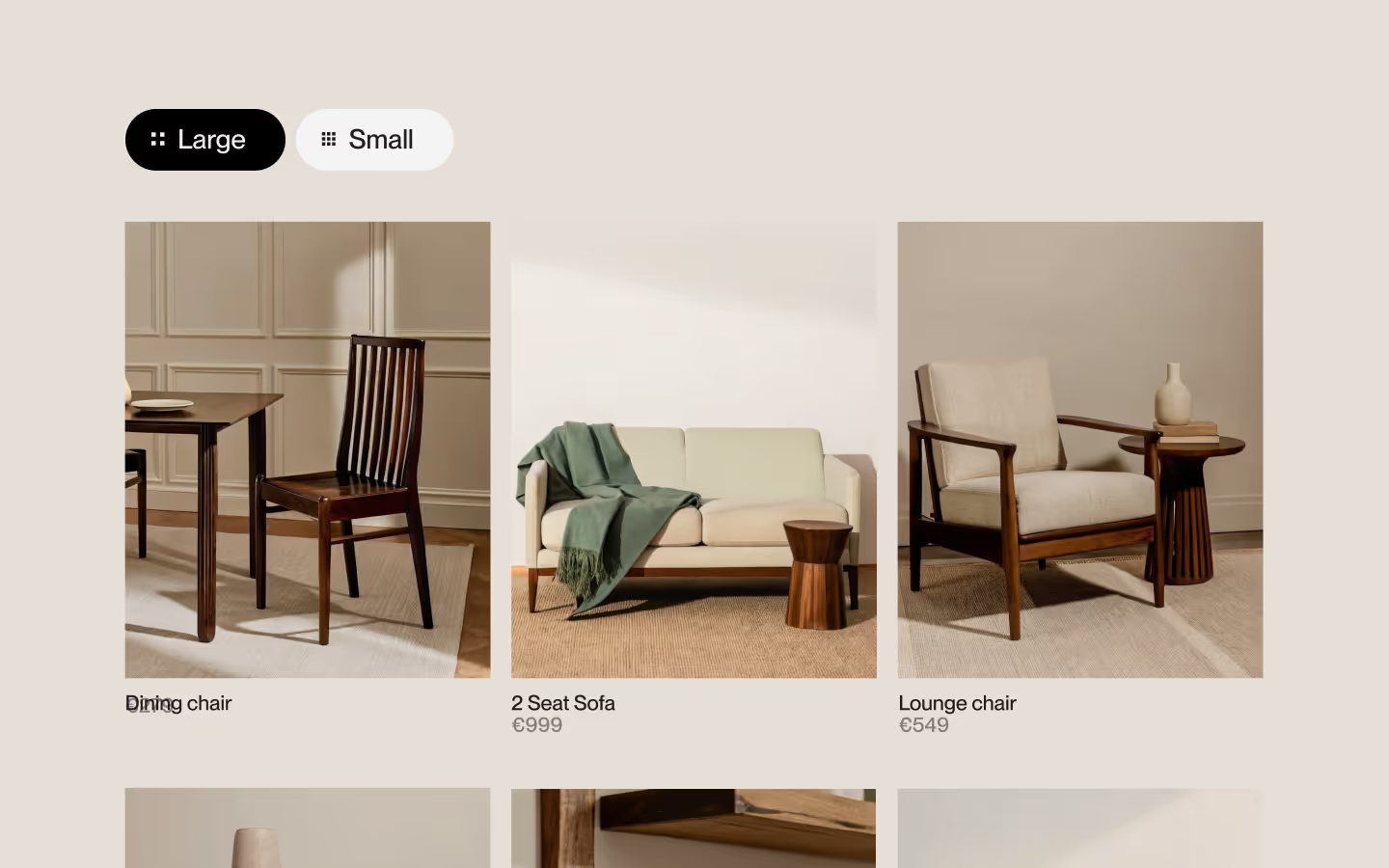
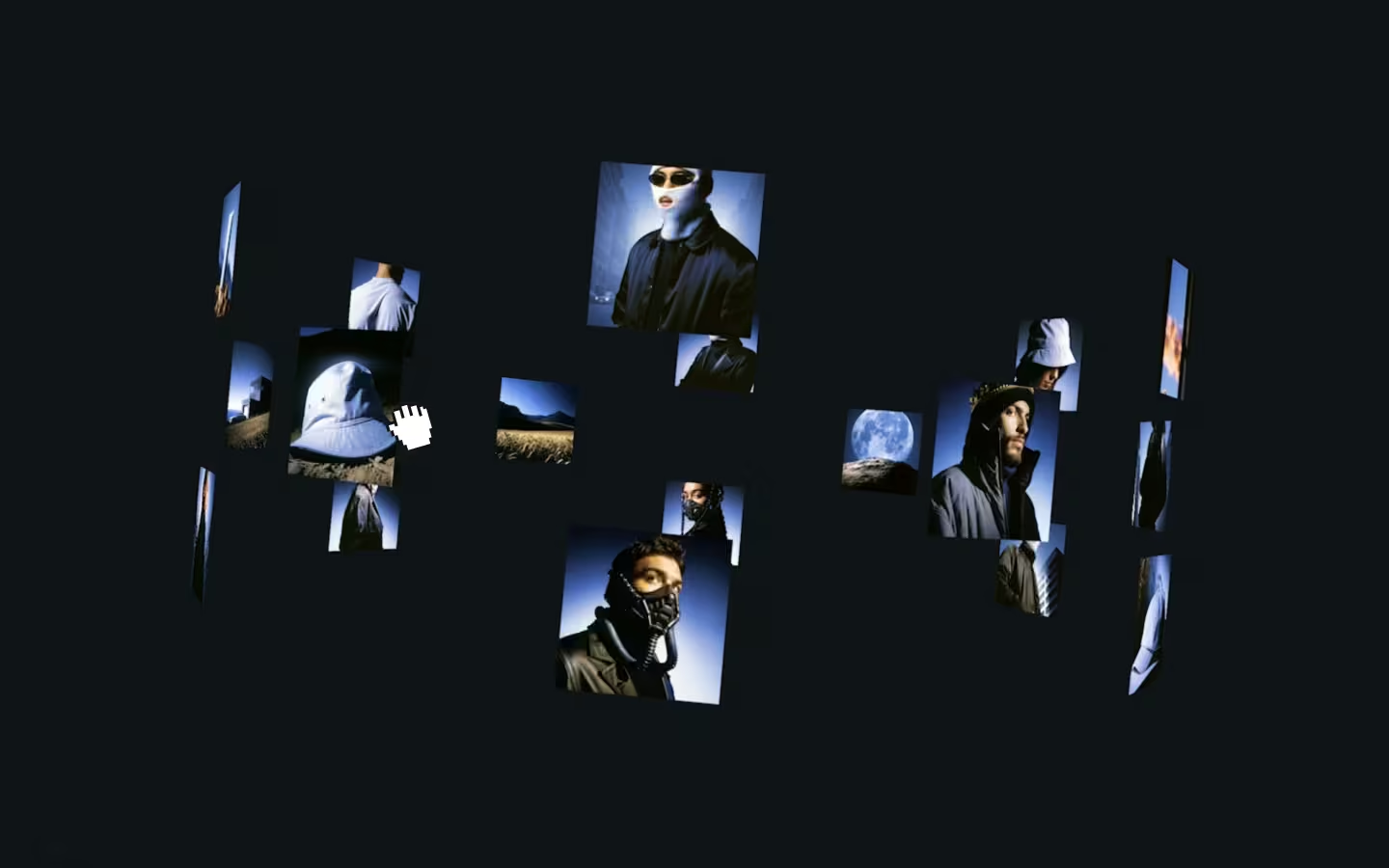
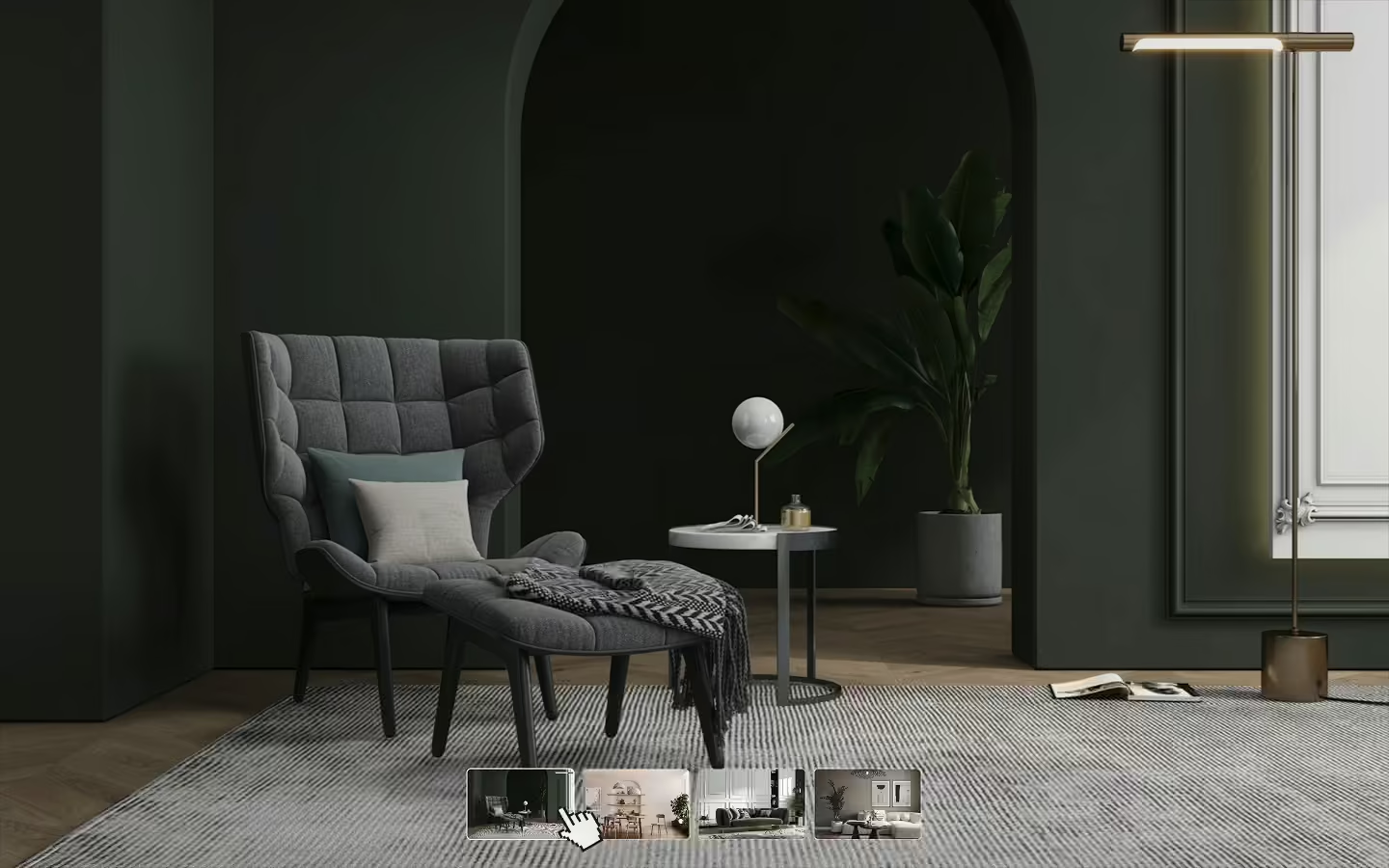
This code is set up to work with as many galleries and/or modal groups per page as you want. It will search for a [data-gallery] element on the page. Inside of this element we'll have a grid (or list) of images, and a fixed wrapper for the modal. The idea is that there's a grid of images on the page, but also make sure that you add the same images (in the same order) inside of the fixed lightbox wrapper. So there's 2 identical groups of images, just in different places. Below is an object to show you all of the available elements. Please reference with our example structure if you're unsure what attribute should go where:
const elements = {
  wrapper: container.querySelector('[data-lightbox="wrapper"]'),
  triggers: container.querySelectorAll('[data-lightbox="trigger"]'),
  triggerParents: container.querySelectorAll('[data-lightbox="trigger-parent"]'),
  items: container.querySelectorAll('[data-lightbox="item"]'),
  nav: container.querySelectorAll('[data-lightbox="nav"]'),
  counter: {
    current: container.querySelector('[data-lightbox="counter-current"]'),
    total: container.querySelector('[data-lightbox="counter-total"]')
  },
  buttons: {
    prev: container.querySelector('[data-lightbox="prev"]'),
    next: container.querySelector('[data-lightbox="next"]'),
    close: container.querySelector('[data-lightbox="close"]')
  }
};
Callbacks
We've also gone ahead and implemented 4 callbacks, so you can combine the lightbox with other functionalities you might need. For example, maybe you use Lenis (setup here) for a smooth scroll on the page. what you could do, is call lenis.stop() in the onStart callback, and lenis.start() in the onClose callback.
createLightbox(wrapper, {
  onStart: () => console.log("Starting"),
  onOpen: () => console.log("Open"),
  onClose: () => console.log("Closing"),
  onCloseComplete: () => console.log("Done")
});
Potential issue
Make sure the trigger, trigger parent, and lightbox items do not have overflow of hidden applied. It cause the GSAP Flip animation to look weird! I've ran into this problem before, so I thought it'd be good to mention.
Support
If you're stuck, feel free to ask for help in the #questions channel in our Slack community!
Webflow CMS list integration
Alright, let's say you want to use this with a CMS list in Webflow. Some of you might be unsure what attribute goes where. Just add a div somewhere on the page with data-gallery applied. Here's what to do next:
- Inside the
data-gallerydiv, add a CMS List Wrapper. Style your main grid the way you want it. - Add a
data-lightbox="trigger-parent"attribute to each CMS List Item - Add a custom button element inside the list item, this will get the
data-lightbox="trigger"attribute. You will add the image inside of this button. - Then, inside the
data-gallerydiv, add a fixed wrapper. give this thedata-lightbox="wrapper"attribute. - We'll add another CMS list in this fixed wrapper, connected to the same CMS. Add
data-lightbox="item"to each of the CMS list items inside. - Cross reference our example structure to make sure you have all the correct attributes and styling applied!
Resource details
Last updated
December 16, 2025
Category
Gallery & Images
Need help?
Join Slack
Original source
 Ilja van Eck
Creator Credits
We always strive to credit creators as accurately as possible. While similar concepts might appear online, we aim to provide proper and respectful attribution.