















































































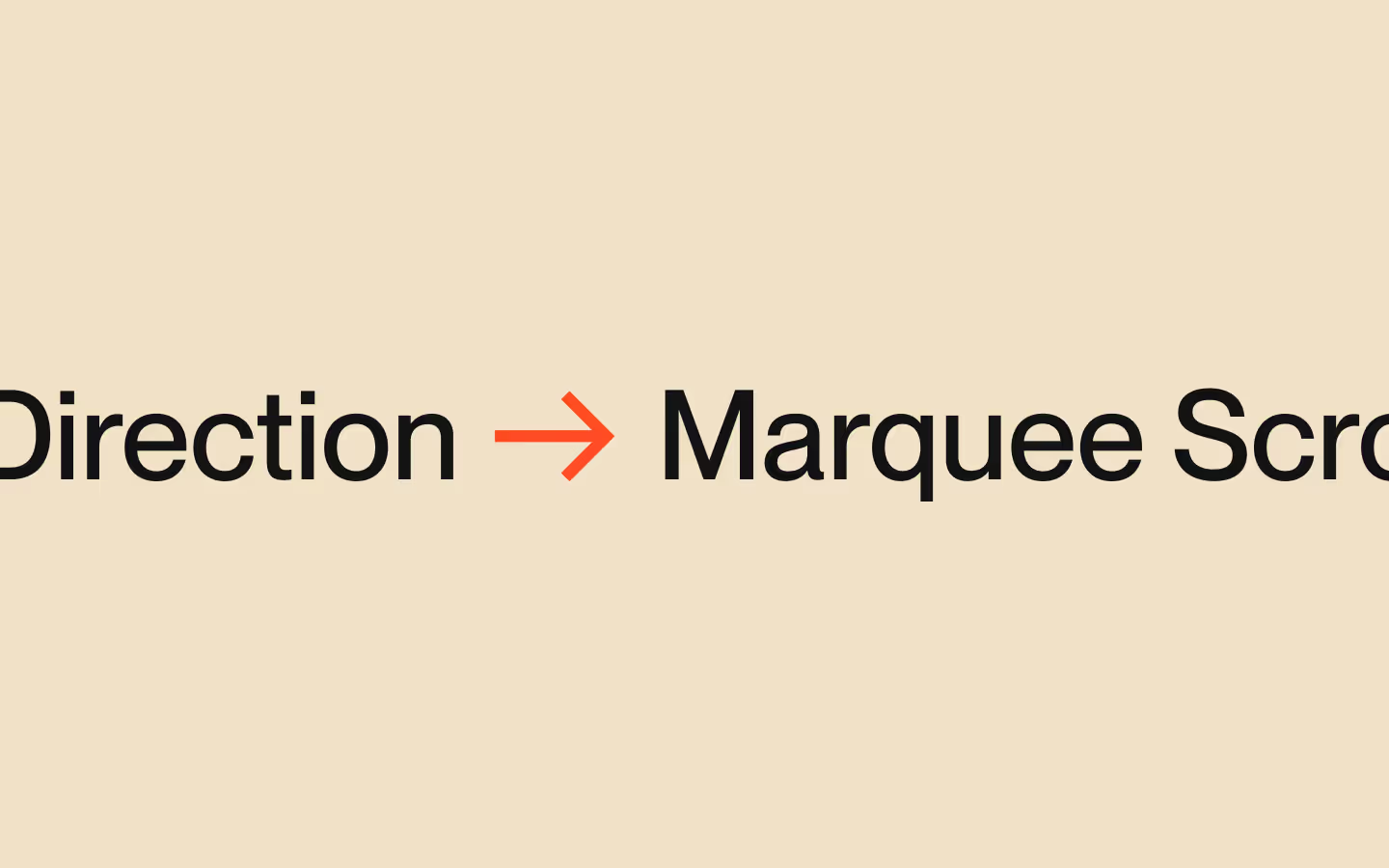





















Draggable Marquee (Directional)

Documentation
Webflow
Code
Setup: External Scripts
External Scripts in Webflow
Make sure to always put the External Scripts before the JavasScript step of the resource. In this video you learn where to put these in your Webflow project:
HTML
<script src="https://cdn.jsdelivr.net/npm/gsap@3.14.1/dist/gsap.min.js"></script>
<script src="https://cdn.jsdelivr.net/npm/gsap@3.14.1/dist/Observer.min.js"></script>
<script src="https://cdn.jsdelivr.net/npm/gsap@3.14.1/dist/ScrollTrigger.min.js"></script>
Step 1: Copy structure to Webflow
Copy structure to Webflow
In the video below we described how you can copy + paste the structure of this resource to your Webflow project:
Copy to Webflow
Webflow structure is not required for this resource.
Step 1: Add HTML
HTML
<div data-draggable-marquee-init="" data-direction="left" data-duration="20" data-multiplier="35" data-sensitivity="0.01" class="draggable-marquee">
  <div data-draggable-marquee-collection="" class="draggable-marquee__collection">
    <div data-draggable-marquee-list="" class="draggable-marquee__list">
      <div class="draggable-marquee__item is--round">
        <img draggable="false" loading="eager" src="https://cdn.prod.website-files.com/694b0fb876617b13bea76eb8/694bc0b8b19fd3d316656d36_marquee-fruit-1.avif" class="draggable-marquee__item-img">
      </div>
      <div class="draggable-marquee__item">
        <img draggable="false" loading="eager" src="https://cdn.prod.website-files.com/694b0fb876617b13bea76eb8/694bc0b8d50d60981d906f71_marquee-fruit-2.avif" class="draggable-marquee__item-img">
      </div>
      <div class="draggable-marquee__item">
        <img draggable="false" loading="eager" src="https://cdn.prod.website-files.com/694b0fb876617b13bea76eb8/694bc0b7383ea5688964f10b_marquee-fruit-3.avif" class="draggable-marquee__item-img">
      </div>
      <div class="draggable-marquee__item is--round">
        <img draggable="false" loading="eager" src="https://cdn.prod.website-files.com/694b0fb876617b13bea76eb8/694bc0b7c398823122b56766_marquee-fruit-4.avif" class="draggable-marquee__item-img">
      </div>
      <div class="draggable-marquee__item">
        <img draggable="false" loading="eager" src="https://cdn.prod.website-files.com/694b0fb876617b13bea76eb8/694bc0b7e249f3def94a048c_marquee-fruit-5.avif" class="draggable-marquee__item-img">
      </div>
      <div class="draggable-marquee__item is--round">
        <img draggable="false" loading="eager" src="https://cdn.prod.website-files.com/694b0fb876617b13bea76eb8/694bc0b7b75b2b06a7e51ec3_marquee-fruit-6.avif" class="draggable-marquee__item-img">
      </div>
      <div class="draggable-marquee__item">
        <img draggable="false" loading="eager" src="https://cdn.prod.website-files.com/694b0fb876617b13bea76eb8/694bc0b866f40e1da7eb53ba_marquee-fruit-7.avif" class="draggable-marquee__item-img">
      </div>
    </div>
  </div>
</div>
HTML structure is not required for this resource.
Step 2: Add CSS
CSS
.draggable-marquee {
  display: flex;
  justify-content: flex-start;
  align-items: center;
  flex: none;
  width: 100%;
  overflow: hidden;
}

.draggable-marquee__collection {
  display: flex;
  justify-content: flex-start;
  align-items: center;
  flex: none;
  will-change: transform;
}

.draggable-marquee__list {
  display: flex;
  justify-content: flex-start;
  align-items: center;
  flex: none;
}

.draggable-marquee__item {
  width: 15em;
  aspect-ratio: 1;
  border-radius: 1.25em;
  margin-right: 1em;
  flex: none;
  overflow: hidden;
}

.draggable-marquee__item.is--round {
  border-radius: 100em;
}

.draggable-marquee__item-img {
  width: 100%;
  height: 100%;
  object-fit: cover;
}
Step 2: Add custom Javascript
Custom Javascript in Webflow
In this video, Ilja gives you some guidance about using JavaScript in Webflow:
Step 2: Add Javascript
Step 3: Add Javascript
Javascript
function initDraggableMarquee() {
  const wrappers = document.querySelectorAll("[data-draggable-marquee-init]");

  const getNumberAttr = (el, name, fallback) => {
    const value = parseFloat(el.getAttribute(name));
    return Number.isFinite(value) ? value : fallback;
  };

  wrappers.forEach((wrapper) => {
    if (wrapper.getAttribute("data-draggable-marquee-init") === "initialized") return;

    const collection = wrapper.querySelector("[data-draggable-marquee-collection]");
    const list = wrapper.querySelector("[data-draggable-marquee-list]");
    if (!collection || !list) return;

    const duration = getNumberAttr(wrapper, "data-duration", 20);
    const multiplier = getNumberAttr(wrapper, "data-multiplier", 40);
    const sensitivity = getNumberAttr(wrapper, "data-sensitivity", 0.01);

    const wrapperWidth = wrapper.getBoundingClientRect().width;
    const listWidth = list.scrollWidth || list.getBoundingClientRect().width;
    if (!wrapperWidth || !listWidth) return;

    // Make enough duplicates to cover screen
    const minRequiredWidth = wrapperWidth + listWidth + 2;
    while (collection.scrollWidth < minRequiredWidth) {
      const listClone = list.cloneNode(true);
      listClone.setAttribute("data-draggable-marquee-clone", "");
      listClone.setAttribute("aria-hidden", "true");
      collection.appendChild(listClone);
    }

    const wrapX = gsap.utils.wrap(-listWidth, 0);

    gsap.set(collection, { x: 0 });

    const marqueeLoop = gsap.to(collection, {
      x: -listWidth,
      duration,
      ease: "none",
      repeat: -1,
      onReverseComplete: () => marqueeLoop.progress(1),
      modifiers: {
        x: (x) => wrapX(parseFloat(x)) + "px"
      },
    });

    // Direction can be used for css + set initial direction on load
    const initialDirectionAttr = (wrapper.getAttribute("data-direction") || "left").toLowerCase();
    const baseDirection = initialDirectionAttr === "right" ? -1 : 1;

    const timeScale = { value: 1 };

    timeScale.value = baseDirection;
    wrapper.setAttribute("data-direction", baseDirection < 0 ? "right" : "left");

    if (baseDirection < 0) marqueeLoop.progress(1);

    function applyTimeScale() {
      marqueeLoop.timeScale(timeScale.value);
      wrapper.setAttribute("data-direction", timeScale.value < 0 ? "right" : "left");
    }

    applyTimeScale();

    // Drag observer
    const marqueeObserver = Observer.create({
      target: wrapper,
      type: "pointer,touch",
      preventDefault: true,
      debounce: false,
      onChangeX: (observerEvent) => {
        let velocityTimeScale = observerEvent.velocityX * -sensitivity;
        velocityTimeScale = gsap.utils.clamp(-multiplier, multiplier, velocityTimeScale);

        gsap.killTweensOf(timeScale);

        const restingDirection = velocityTimeScale < 0 ? -1 : 1;

        gsap.timeline({ onUpdate: applyTimeScale })
          .to(timeScale, { value: velocityTimeScale, duration: 0.1, overwrite: true })
          .to(timeScale, { value: restingDirection, duration: 1.0 });
      }
    });

    // Pause marquee when scrolled out of view
    ScrollTrigger.create({
      trigger: wrapper,
      start: "top bottom",
      end: "bottom top",
      onEnter: () => { marqueeLoop.resume(); applyTimeScale(); marqueeObserver.enable(); },
      onEnterBack: () => { marqueeLoop.resume(); applyTimeScale(); marqueeObserver.enable(); },
      onLeave: () => { marqueeLoop.pause(); marqueeObserver.disable(); },
      onLeaveBack: () => { marqueeLoop.pause(); marqueeObserver.disable(); }
    });

    wrapper.setAttribute("data-draggable-marquee-init", "initialized");
  });
}

// Initialize Draggable Marquee (Directional)
document.addEventListener("DOMContentLoaded", () => {
  initDraggableMarquee();
});
Step 3: Add custom CSS
Step 2: Add custom CSS
Custom CSS in Webflow
Curious about where to put custom CSS in Webflow? Ilja explains it in the below video:
CSS
Implementation
Wrapper
Use [data-draggable-marquee-init] to a wrapper element to initialize a draggable, looping marquee instance on that component.
Collection
Add [data-draggable-marquee-collection] to the moving container that gets translated on the x-axis, so the marquee loop and drag-driven time scaling always act on one element.
List
Place [data-draggable-marquee-list] inside the collection. This list will have all items inside, and is the element which the script clones as-needed to fill the viewport and create a seamless loop.
Images
In case you have images inside your marquee items (like in our preview) we recommend to set them to 'eager' loading, as well as giving them a draggable="false" attribute. This prevents the native browser behaviour (of being able to drag images) which could mess with the drag interaction on the overall marquee.
Duration
Set [data-duration] (default 20) to control how many seconds it takes the marquee to travel one full list-width before wrapping, which sets the baseline speed when not interacting.
Multiplier
Use [data-multiplier] (default 40) to cap the maximum absolute speed drag can apply, preventing extremely fast flicks from pushing the loop beyond that limit in either direction.
Sensitivity
Use [data-sensitivity] (default 0.01) to scale how strongly pointer velocity maps to marquee speed, where higher values feel more responsive and lower values feel heavier and smoother.
Direction
Set [data-direction="left"] or [data-direction="right"] to define the initial travel direction on page load, and the script keeps [data-direction] updated during interaction, so you could also use this to change some CSS styling depending on the direction the marquee is moving in.
Clone
The script adds [data-draggable-marquee-clone] to each duplicated list it appends. These clones also are hidden from assistive technologies with aria-hidden="true".
Pause when out of view
When [data-draggable-marquee-init] leaves the viewport, the script pauses the loop and disables drag observation, then resumes and re-enables input when it re-enters to reduce offscreen work.
Resource details
Last updated
December 27, 2025
Category
Sliders & Marquees
Need help?
Join Slack
Original source
 Ilja van Eck
Creator Credits
We always strive to credit creators as accurately as possible. While similar concepts might appear online, we aim to provide proper and respectful attribution.