



















































































Anchor Links
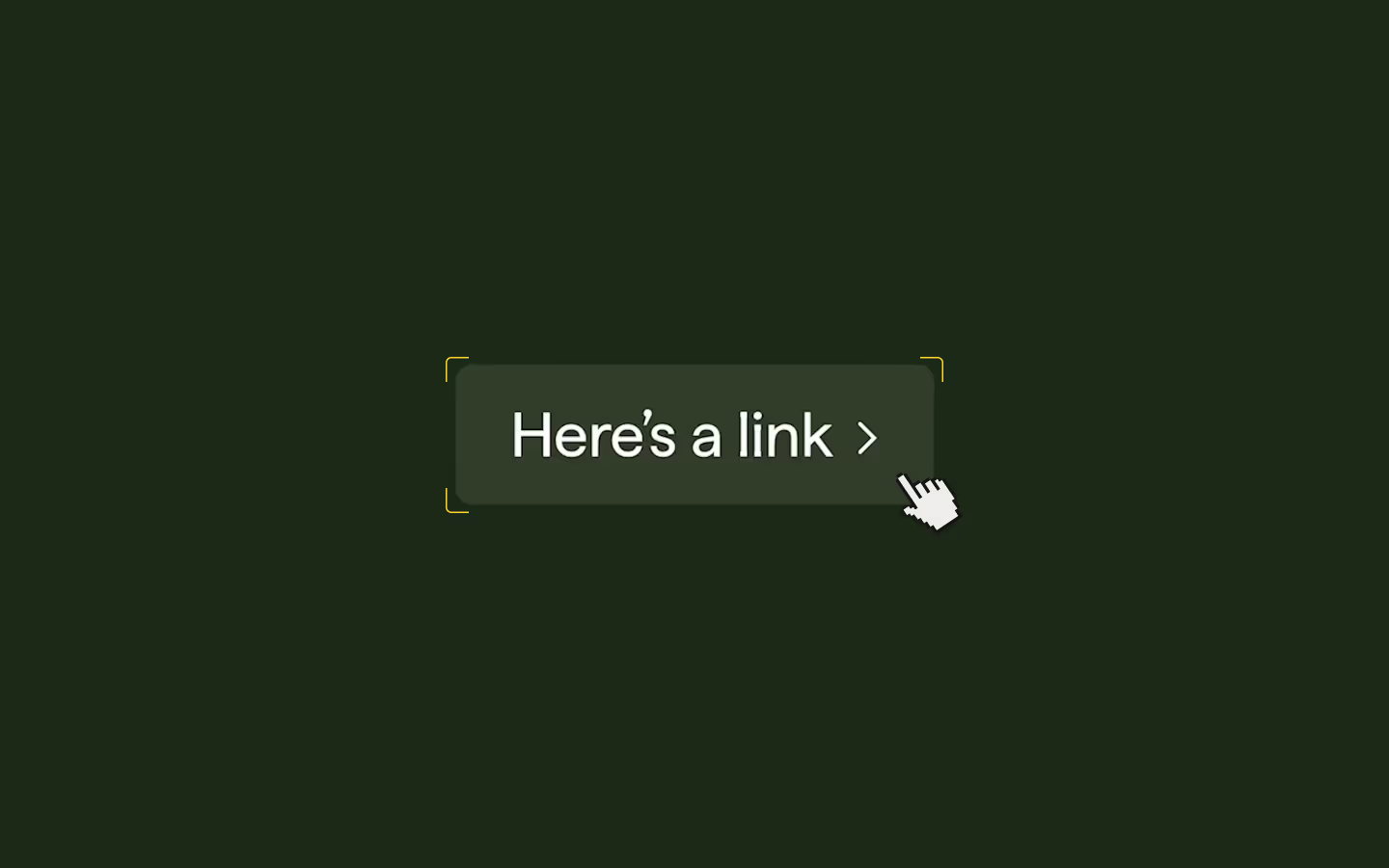
Anchor links need a little extra attention when using Barba. By default, opening a link with an anchor to it, won't scroll you to the right spot. In this lesson we'll add a helper function that handles anchor links properly, scrolling the user to the target section on page load.
Lesson notes
The problem
When you navigate to a page with an anchor (like /about#team), Barba loads the page but doesn't automatically scroll to the anchor. The page loads at the top, and the user has to find the section themselves.
The solution
A helper function that checks for an anchor in the URL on page load, finds the matching element, and scrolls to it.
When to run it
We update our runPageOnceAnimation to call this helper function as follows:
function runPageOnceAnimation(next) {
  const tl = gsap.timeline();

  tl.call(() => {
    resetPage(next);
    scrollToInitialHash(next);
  }, null, 0);

  return tl;
}
The helper function
function scrollToInitialHash(container = document) {
  const hash = window.location.hash;
  if (!hash || hash === "#") return;
  const target = container.querySelector(hash) || document.querySelector(hash);
  if (!target) return;
  // Reduced motion: jump
  if (reducedMotion) {
    target.scrollIntoView();
    return;
  }
  // Smooth: Lenis if available, else native smooth
  if (hasLenis && lenis) {
    lenis.scrollTo(target, {
      offset: 0,
      duration: 1,
      immediate: false,
      lock: true,
    });
  } else {
    target.scrollIntoView({ behavior: "smooth", block: "start" });
  }
}